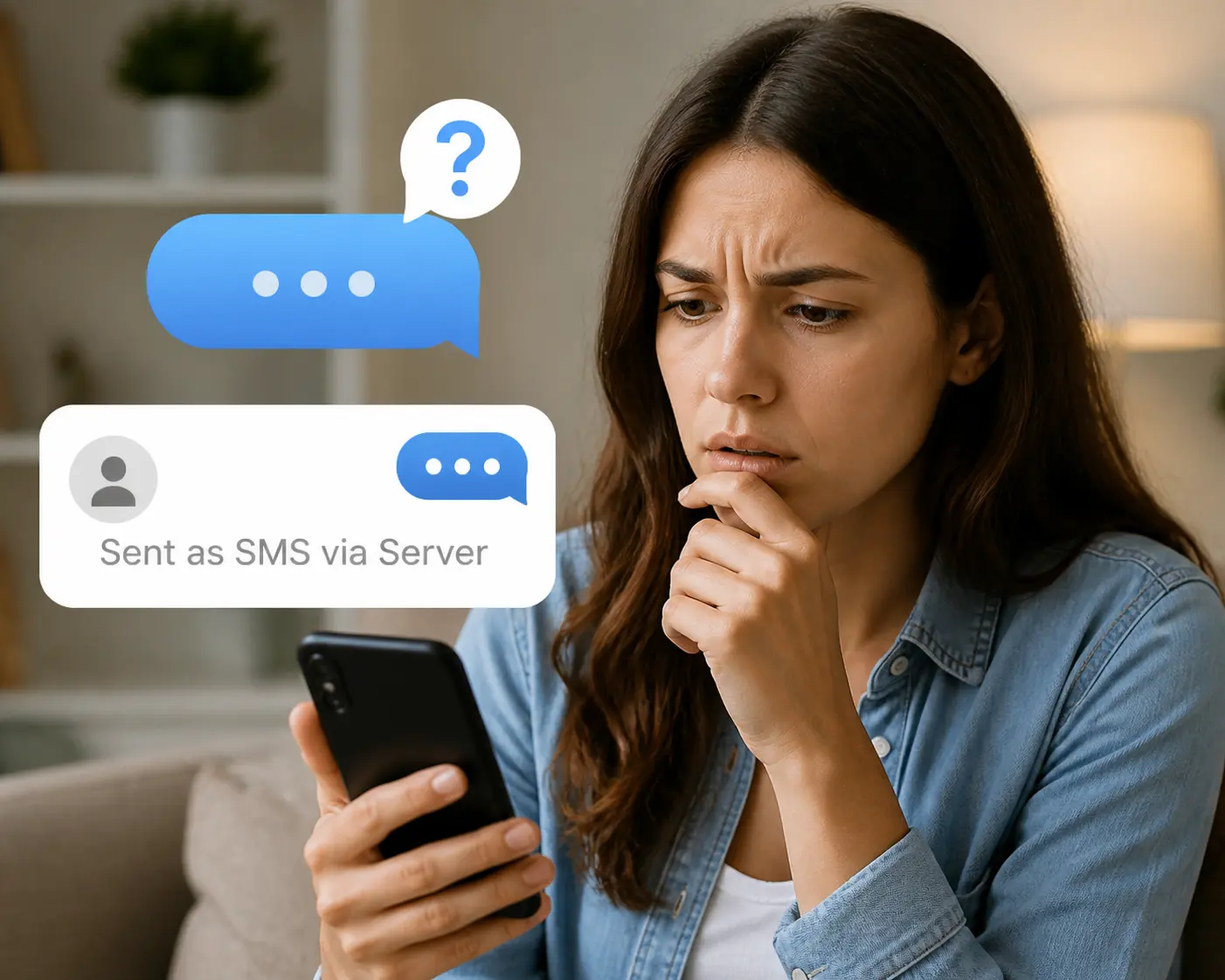
Quick answer: Sent as SMS means your message left as a standard carrier text rather than as iMessage or RCS. Your phone tried the internet-based route first, could not use it, and fell back so the message still arrived. It was delivered. You lose encryption, read receipts, and editing, and your carrier may charge you for it.
What does sent as SMS mean is the question people ask the moment a blue bubble turns green, and the answer is that almost nothing went wrong. Apple confirms a green bubble means the message went by RCS or MMS and SMS instead of iMessage. Americans exchanged nearly 2.2 trillion SMS and MMS messages during 2024, according to CTIA’s 2025 Annual Survey, so this fallback carries a large share of everyday messaging. Below are the four causes, what the switch costs you, a decision tree for your own thread, and what the label means on Android and on a business number.
What “Sent as SMS” Means on iPhone
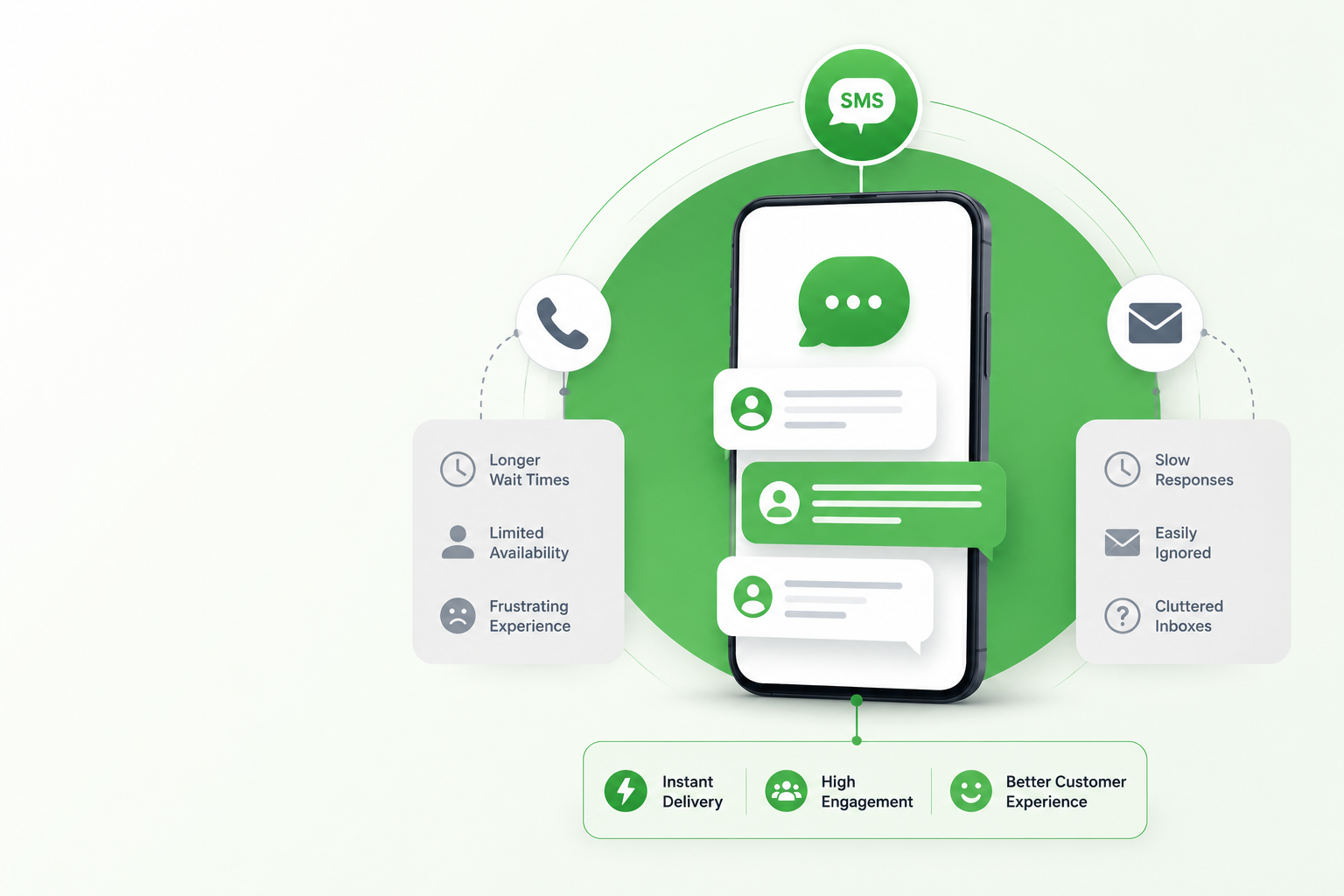
Your phone has two ways to move a message. iMessage travels over Wi-Fi or cellular data between Apple devices and shows blue. SMS travels over your carrier’s network to any phone on earth and shows green. The label appears when the first route was unavailable and the second one completed the job.
The message was delivered. Nothing failed, your recipient sees an ordinary text, and the label is sender-side only.
Green no longer means only SMS. Since iOS 18 a green bubble can also be RCS, because both are carrier messaging.
It can apply to one thread only. One contact going green while everyone else stays blue points at that person’s device, not yours.
4 Reasons Your iPhone Sent as SMS Instead of iMessage
Apple lists four causes, and they are worth separating because the fix differs for each.
Your recipient is not on an Apple device. Android and basic phones cannot receive iMessage, so every message to them is carrier messaging permanently.
iMessage is switched off at one end. Either party can disable it, which forces that thread down the SMS path until it is switched back on.
iMessage is temporarily unavailable. An outage, a dropped connection, or airplane mode on either device triggers the fallback while it lasts.
Your settings need updating after a new device. A recent phone or eSIM setup can leave your number unregistered, so messages default to SMS even between two iPhones.
What Sent as SMS Actually Costs You
This is the part most explanations skip, and it is the reason the switch is worth noticing rather than ignoring.
Your carrier may bill it. iMessage uses data, while SMS and MMS draw on your texting allowance, so plans without unlimited messaging get charged and international texts cost more.
You lose end-to-end encryption. Apple encrypts iMessage. SMS and MMS are not encrypted, which is the single most important practical difference and the reason how message types differ matters beyond bubble color.
Editing, unsending and read receipts stop working. None of them survive the switch, because all three are iMessage features.
Media quality drops. Photos and video compress heavily over MMS, the clearest difference between SMS and MMS people actually notice.
How to Stop Messages Sending as SMS
Work through this in order. Each answer rules out a cause, and the whole tree usually takes under a minute.
Is it every thread, or just one? Just one means the problem sits with that contact. Skip to the last step. Every thread means the problem is on your device, so continue.
Is iMessage switched on? Open Settings, tap Apps, tap Messages, and confirm the iMessage toggle is on. Apple moved this path under Apps, so older guides pointing at Settings then Messages are out of date.
Is your number registered? Under Send and Receive, confirm your phone number appears and is selected. A new phone or eSIM often leaves only the email address registered.
Is your data connection working? iMessage needs Wi-Fi or cellular data, so no connection means no blue bubbles regardless of settings.
Does that one contact use an Apple device? If not, green is permanent and correct. If they do, they have iMessage off or no data.
Do you want the fallback at all? Turning off Retry as Text Message, formerly Send as SMS, stops the automatic switch. Messages then fail instead, which protects your allowance and encryption but risks undelivered texts.
What “Sent as SMS via Server” Means on Android
Android shows a longer version of the same idea. When Google Messages cannot deliver over RCS, it resends the message as a standard SMS through Google’s server rather than your handset and labels it accordingly, which is why the usual delivery statuses never come back. The toggle sits under RCS chats and is called Automatically resend as text. The trade is identical to the iPhone one, and how RCS compares with SMS explains what you give up.
What Sent as SMS Means for Business Texting
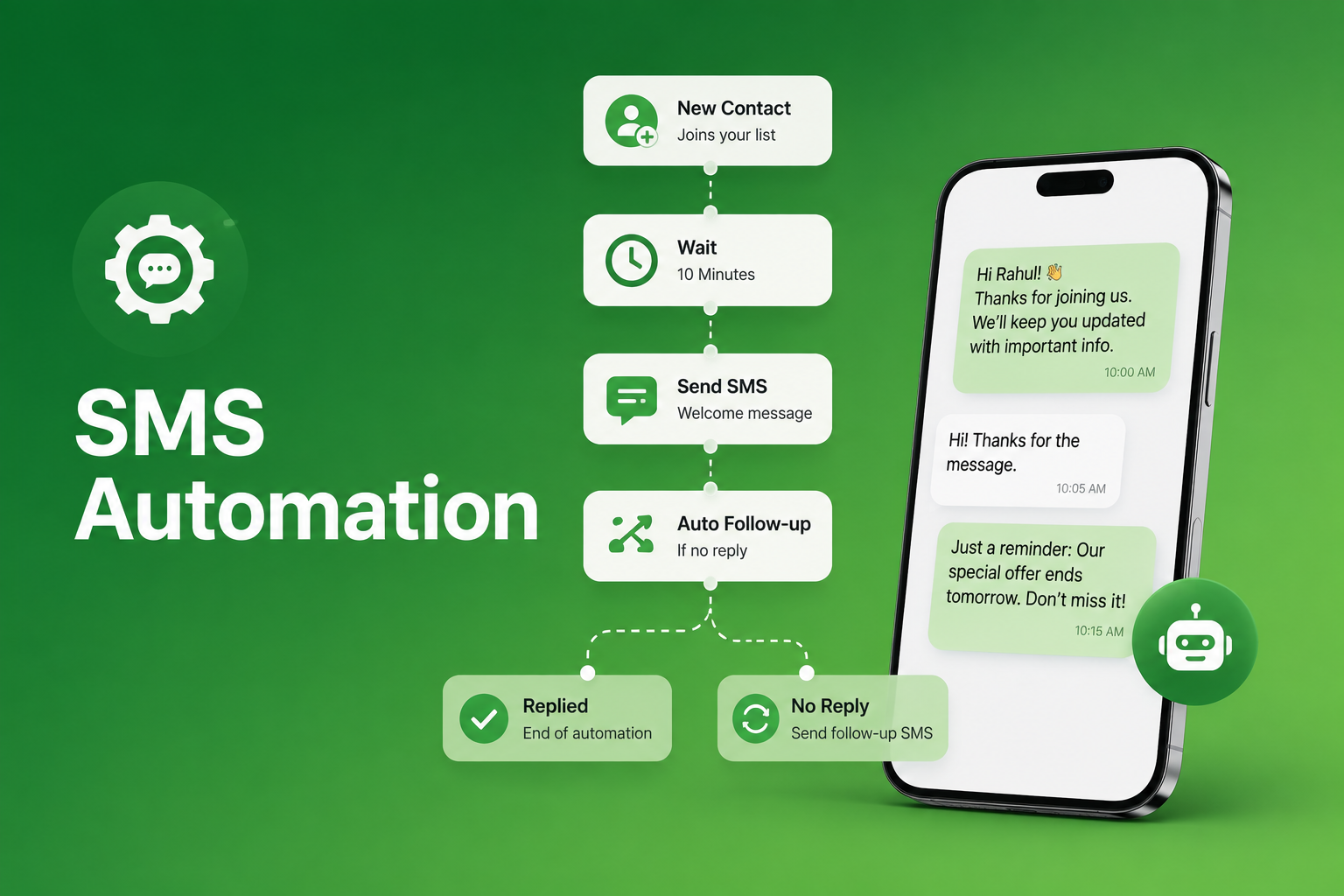
Business messages are a different case. Reminders, order updates, and verification codes go out through an SMS gateway rather than a phone, and they are sent as SMS deliberately, because SMS reaches every handset regardless of device. Companies that need a reply rather than a broadcast run those threads through a two-way business texting platform, so an inbound answer lands with a person instead of an unmonitored number.
Consent rules apply regardless of route. Under the TCPA, marketing texts sent using an automated system require prior express written consent, and recipients may revoke it at any time by any reasonable method, as set out in the FCC’s telemarketing and robocall rules. US carriers also require A2P 10DLC registration on 10-digit numbers, and the consent captured at opt-in must match the campaign registered. This is factual guidance, not legal advice.

How SendHub Runs Business Texting
SendHub handles the sending layer so business messages arrive as SMS by design rather than by accident.
- SendHub Inbox giving the whole team one view of every customer thread
- Text keywords with automatic opt-in confirmation and built-in STOP and HELP handling
- Merge fields to insert names, dates, and order details into every message
- Templates that keep openings and disclosures consistent across the team
- MMS and attachments for images and documents inside the thread
- Analytics and reporting to track delivery and reply rates on every send
Frequently Asked Questions
It means your message went as a standard carrier text rather than as iMessage or RCS. Consequently, it was still delivered normally.
No. Rather, it confirms a fallback worked and your message reached the recipient.
Because iMessage was unavailable, switched off, or the recipient is not on an Apple device. Therefore the message routed through your carrier instead.
Sometimes. Since it uses your carrier texting allowance rather than data, plans without unlimited messaging may be charged.
No. Whereas iMessage is encrypted end to end, SMS and MMS are not.
Not from the label. However, they will notice missing read receipts and lower quality images.
Not since iOS 18. Instead, green now covers RCS as well, because both are carrier messaging.
Switch off Retry as Text Message under Settings, Apps, Messages. However, messages will then fail instead of falling back.
Yes. Both labels describe the same fallback, and the wording varies by device and iOS version.
Because that person is on a non-Apple device or has iMessage disabled. Meanwhile your other threads stay blue.