Key takeaways
- Collect each employee’s mobile number and written consent at onboarding, and send from a registered business number, never a manager’s personal phone.
- Split staff into groups by site, shift and role, and keep a separate all-staff list for emergencies.
- Keep each text under 160 characters with one clear action and one reply option.
- Work texts are informational, but promotional texts to staff need written consent, and texting hourly staff after hours can create paid work time.
- For emergencies, use a “Reply SAFE” check-in and call anyone who has not answered.
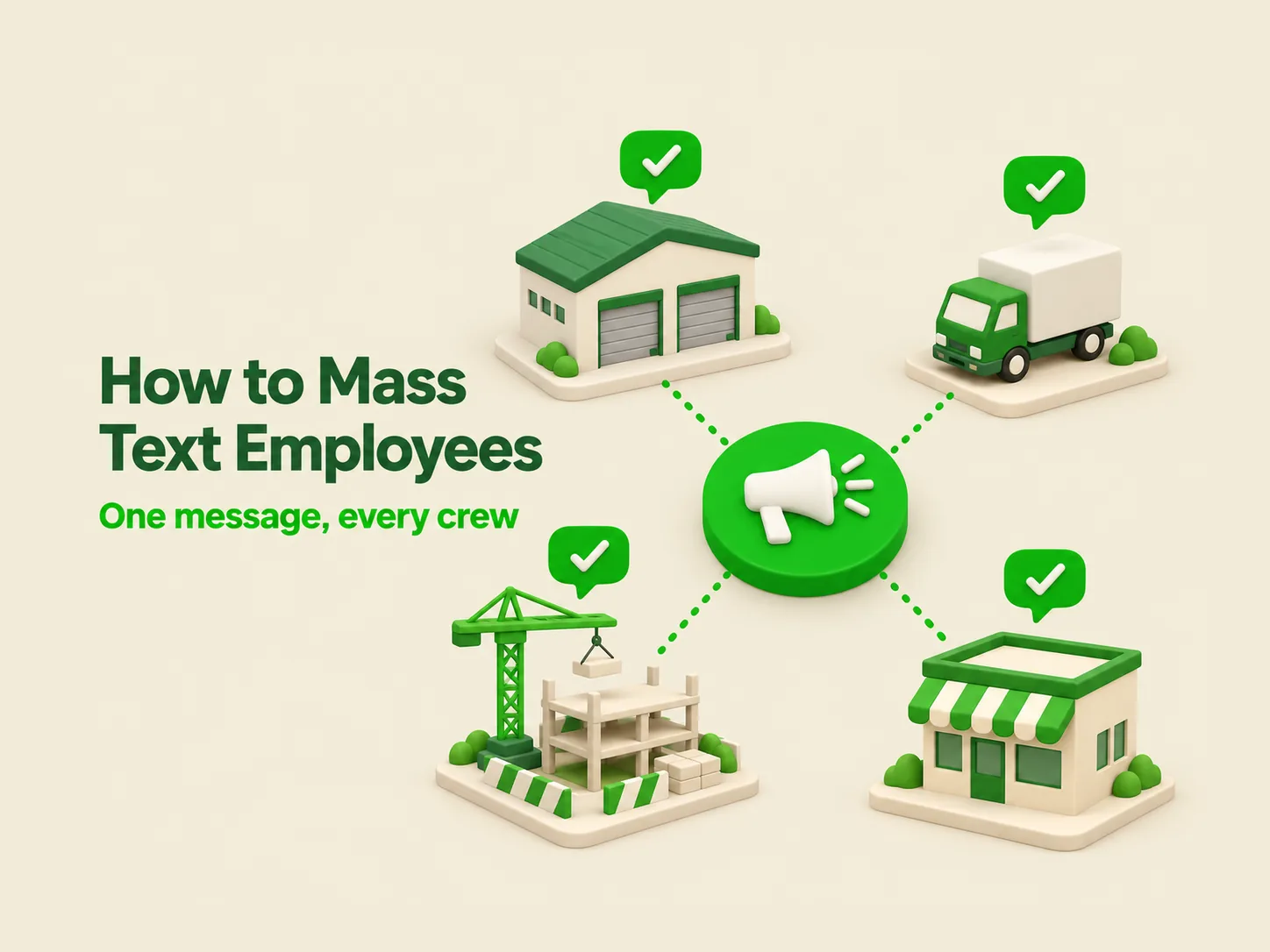
Mass texting employees means sending one SMS to many staff at once from a business texting platform, usually to groups such as a shift, a site or a crew. It reaches frontline and field workers who never open company email, it needs no app download, and it works on any phone with signal. This guide covers consent, group setup, templates for shift updates and emergencies, and what it costs.
Why mass text employees instead of email or an app?
Text reaches deskless workers where email and apps don’t. Many hourly, field and shift employees have no company email account and won’t install another app, but most carry a phone that receives SMS. Texts need no login, app or mobile data, so a 5 a.m. schedule change reaches someone already on the road.
How the main options compare for frontline teams:
| Attribute | Group text from a manager’s phone | Chat app (WhatsApp, GroupMe) | Employee intranet app | SMS platform |
|---|---|---|---|---|
| App download needed | No | Yes | Yes | No |
| Works without mobile data | Mostly (group MMS needs data on many phones) | No | No | Yes, for SMS |
| Replies visible to everyone | Yes (reply-all) | Yes, in groups | Depends | No, replies come back privately |
| Manager’s personal number exposed | Yes | Yes | No | No, sends from a business number |
| Opt-out and consent records | None | None | Some | STOP handling and contact records |
| Record when the manager leaves | Leaves with the phone | Leaves with the account | Stays | Stays in the shared account |
| Carrier filtering risk | High at volume (personal lines aren’t registered for business traffic) | Not applicable | Not applicable | Lower once 10DLC is registered; carriers still filter on content |
An app makes sense for long-form content such as policies and training. For anything time-sensitive, text is the channel your whole workforce actually receives. For the broader case, see our guide to mass texting for business.
Do you need consent to mass text employees?
Yes, and the type of consent depends on the message. Under the TCPA, the FCC has long treated a person who knowingly gives you their number as having given permission for related, non-marketing contact (FCC 92-443, 1992). Most work texts fit that. Marketing texts to staff need prior express written consent, and texts made necessary by a health or safety situation are generally exempt.
Getting consent in writing at onboarding costs nothing and settles the question. Add a line to your onboarding paperwork such as: “I agree to receive work-related text messages from [Company] at the mobile number I provided, including schedules and safety alerts. Message frequency varies. Msg and data rates may apply. Reply STOP to opt out.” For more on wording, see what opt-in means in text messaging.
Consent and risk by message type
| Message type | Example | Consent needed | Watch out for |
|---|---|---|---|
| Shift and schedule updates | Reminder of tomorrow’s 6 a.m. start | Prior express consent (number given for work) | Texting hourly staff after hours (see below) |
| Emergency and safety alerts | Evacuation, severe weather, site closure | Generally exempt if it concerns health or safety (47 CFR 64.1200(f)(4)) | A routine closure is not an emergency; keep the list current |
| HR and benefits notices | Open enrollment deadline, payroll date change | Prior express consent | Never include SSNs, health or pay details in a text |
| Recruiting and open shifts | “Open shift Saturday, reply YES” | Prior express consent | Honor opt-outs from extra-shift offers |
| Promotions to staff | Employee discount on a partner’s product | Prior express written consent | This is marketing, even to your own team |
Opt-outs apply to employees too. Under FCC rules in effect since April 11, 2025, revocation by any reasonable means, including replying “stop,” must be honored within 10 business days. A STOP reply usually blocks every text from that business number, safety alerts included, so run optional lists such as open shifts on keywords employees can leave without texting STOP, and explain the difference at onboarding. This is general guidance, not legal advice; check state rules with counsel.
The after-hours pay risk most guides skip
Under the Fair Labor Standards Act, work an employer “suffers or permits” is work time, even off the clock (29 CFR 785.11 to 785.13). If a non-exempt employee reads and replies to a work text at 10 p.m., that time may be payable, and frequent after-hours texting can add up to overtime claims. The safe pattern: schedule routine texts inside paid hours, and reserve after-hours texts for real emergencies and next-day schedule changes that can’t wait. In California, employees who must use personal phones for work can be owed reimbursement (Cal. Labor Code 2802; Cochran v. Schwan’s Home Service, 2014).
How do you set up employee groups for mass texting?
Group employees the way work actually happens: by site, shift, role and crew, with a separate emergency list that includes everyone. Most alerts concern one location or one shift, and texting the whole company about a Building B parking closure trains people to ignore you. Fewer, better-targeted texts get read.
A practical group structure for a multi-site operation:
- All staff (emergency only): used for safety alerts and company-wide closures, nothing else.
- By site: Plant 1, Plant 2, North yard.
- By shift: Days, Swing, Nights, Weekend.
- By role or crew: Drivers, Crew A, Supervisors, On-call techs.
- Opt-in lists: Open-shift alerts, overtime offers. Let employees join by texting a keyword such as SHIFTS to your business number.
Import contacts from your HR or payroll export into a contact database, then build lists with groups and keywords. Review lists every pay period: departures should come off the same week, or ex-employees keep getting your site alerts.
Register before you send. Texts sent through business software from a local number are application-to-person traffic, and major US carriers require A2P 10DLC registration for it; unregistered traffic is subject to blocking. Internal messages still need a registered brand and campaign; describe your onboarding consent form as the opt-in method. See 10DLC registration for business texting for the steps.
What should a mass text to employees say?
A good mass text to employees says who it’s from, what changed, and what the employee needs to do, in under 160 characters. Start with the company or team name, because staff don’t save the business number. Give one action and one reply option, and leave out anything sensitive such as pay, health or ID details.
Templates for shift updates, field crews and alerts
| Scenario | Template | Characters |
|---|---|---|
| Shift reminder | Acme: Hi Maria, you are on Days tomorrow, 6am to 2pm at Plant 2. Reply C to confirm or call 555-0142 to swap. | 109 |
| Open shift | Acme: Open shift Sat 7am to 3pm, North yard. First to reply YES gets it. We will confirm by text within 30 min. | 111 |
| Weather delay | Acme: Ice on Elm St site. The 6am start tomorrow moves to 9am. Same crew, same site. Reply OK so we know you got this. | 118 |
| Field crew job change | Acme Crew B: Job today moved to 418 Pine Rd, gate code 2210. Supervisor on site by 7:15. Reply OK when en route. | 112 |
| Emergency alert | Acme ALERT: Gas leak at Plant 2. Leave now, go to the north lot. Reply SAFE when you are out. Call 911 if anyone is hurt. | 121 |
| All clear | Acme: All clear at Plant 2. Return to your stations at 11:30. Thank you for moving fast. Questions: call 555-0142. | 114 |
Use merge fields for names and shift times, and save each one as a template so supervisors aren’t writing alerts under pressure. Avoid emoji in alerts: one emoji switches the encoding and cuts a segment from 160 characters to 70 (3GPP TS 23.038).
How do you send an emergency alert to employees?
Send emergency alerts from a pre-approved template to your all-staff emergency list, ask everyone to reply with a single word, then call whoever hasn’t answered. Text is the fastest way to reach a dispersed workforce, but delivery isn’t the same as a confirmed headcount. The reply is what tells you who is safe.
A 5-step emergency text protocol:
- Decide who can send. Name two or three people with send rights and a backup. Nobody should be learning the tool during an incident.
- Send the template. What happened, where to go, what to do, and “Reply SAFE.”
- Watch replies in the shared inbox. Two-way replies arrive privately in a shared team inbox, so a large group replying doesn’t flood anyone’s phone.
- Chase non-responders after 10 minutes. Check replies in the inbox against the emergency list and assign supervisors to call anyone who hasn’t answered.
- Send the all-clear and log it. Close the loop with a second text, then record send time, reply count and who was called.
Test it before you need it. Run a drill once a quarter with a clearly marked “TEST” message and track how many people reply within 10 minutes; that number is your real reach. Out-of-date phone numbers show up in drills, not during the real thing. For alert-specific features, see text alerts for business.
How much does it cost to mass text employees?
Cost depends on how many texts you send each month and how many people each send reaches. On SendHub’s current pricing, plans run from $19 a month for 500 SMS to $100 a month for 4,000 SMS, plus one-time 10DLC fees of $5 per brand and $15 per campaign.
Worked example: 120 hourly staff across 2 sites
| Message | Recipients | Per month | Texts per month |
|---|---|---|---|
| Weekly shift reminder | 120 | 4 | 480 |
| Open-shift offers (opt-in list) | 45 | 8 | 360 |
| Weather or schedule changes | 60 (one site) | 3 | 180 |
| Emergency alert or drill, plus all-clear (budgeted monthly) | 120 | 2 | 240 |
| Total | 1,260 |
At about 1,260 outbound texts a month, the Starter plan ($52 a month, 2,000 SMS) fits with headroom. Check one limit before you choose: each plan caps recipients per send at 50 (Lite), 100 (Lite+) or 150 (Starter and Basic). On Starter, a 120-person reminder goes out in one send; if you grow past 150, an all-staff alert to 400 people takes 3 sends. If your all-staff list is larger than 150, ask about the Custom plan or split the alert by site.
What to look for in an employee texting platform
The right employee texting platform sends from a registered business number, handles opt-outs automatically, keeps two-way replies private and gives you a record of what was sent to whom. Beyond that, match features to your workforce: scheduling for shift work, keywords for opt-in lists, and integrations with the tools your managers already use.
A checklist for comparing employee messaging systems:
- Recipients per send: check it against your largest list, especially the emergency list.
- Two-way replies: private replies to a shared inbox, not reply-all.
- Scheduling: scheduled texts so Sunday-night reminders go out without someone working Sunday night.
- Alerts from other systems: email to text turns alerts from monitoring, ticketing or ERP systems into texts to on-call staff.
- Where managers work: SendHub connects directly with Microsoft Teams and Webex, and with Slack and Google Calendar through Zapier.
- Photos back from the field: inbound MMS lets crews send a photo of a damaged part or finished job. On SendHub, inbound MMS is on every plan; outbound MMS is on the Custom plan only.
- Surveys: short text surveys for pulse checks and post-incident feedback.
SendHub fits teams that want texting without an app: groups, unlimited keywords, scheduling, templates and a shared inbox, from $19 a month with a 14-day free trial that starts once 10DLC registration is approved. If you need a full intranet with policy libraries and training modules, an employee app is the better primary tool, with texting alongside it for anything urgent.
Frequently asked questions about mass texting employees
Is it legal to mass text employees?
Yes, for work-related messages to numbers employees gave you for work. The FCC treats a knowingly provided number as permission for related, non-marketing contact, and texts about a health or safety emergency are generally exempt. Promotional texts to staff need written consent. Get written consent at onboarding, honor opt-outs within 10 business days, and check state rules with counsel.
Can I require employees to receive work texts?
You can make texting your main schedule channel, but you can’t stop an employee from replying STOP; opt-outs must be honored. Offer an alternative such as a phone tree or posted schedule for anyone who opts out. Explain at onboarding that STOP usually blocks all texts from the number, including safety alerts, and let people leave optional lists by keyword instead.
Can I mass text employees for free?
You can send a group text from your own phone, but it isn’t a good idea past a small team. Replies go to everyone, your personal number is exposed, there’s no opt-out record, and carriers filter high-volume texts from personal lines. A paid platform starts at $19 a month on SendHub and sends from a registered business number.
Do employees need to download an app to get mass texts?
No. Mass texts arrive as standard SMS, so they reach any mobile phone, smartphone or not, without an app, login or mobile data. That’s the main reason text works for frontline and field crews. Replies come back the same way, so employees can confirm a shift or reply SAFE from the phone they already carry.
How many employees can I text at once?
It depends on your plan’s limit per send. On SendHub, Lite reaches up to 50 recipients per send, Lite+ up to 100, and Starter and Basic up to 150; larger lists go out in several sends or on a Custom plan. For emergency alerts to more than 150 people, set this up before you need it.
Should employees be able to reply to mass texts?
Yes, and replies should come back privately rather than to the whole group. Two-way texting lets employees confirm shifts, accept open shifts and report they are safe during an emergency. Route replies to a shared inbox where supervisors can see them, and give each message one simple reply option such as C, YES or SAFE.
Is texting employees after hours a problem?
It can be for non-exempt staff. Under the FLSA, time spent reading and replying to work texts can count as paid work time, even off the clock. Schedule routine texts during working hours and keep after-hours texts for emergencies and next-day changes that can’t wait. Exempt employees aren’t covered by the same hourly rules.
What shouldn’t I send to employees by text?
Leave out Social Security numbers, health information, pay amounts, disciplinary details and passwords. SMS isn’t the right channel for sensitive personal data. Send a short notice instead, such as “Your benefits statement is ready in the HR portal,” and let the employee open the secure system to read the details.