
The ability to text from your computer has moved from a convenience feature to a business productivity necessity. According to theText Request 2025 State of Business Texting report, 58.9% of professionals say texting is the most effective channel for getting a customer response, outperforming phone calls at 21.8% and email at 10.3%. Yet most business teams still manage customer SMS from personal phones, creating fragmented conversations, missed follow-ups, and zero visibility for managers. Learning how to send text messages from a computer gives your team a faster, more organised, and more scalable way to manage every customer conversation from the same place they handle everything else. Fors mall businesses and mid-size teams ready to move beyond phone-based texting, this guide covers the three most practical methods available in 2026.
Why Business Teams Need to Text From a Computer
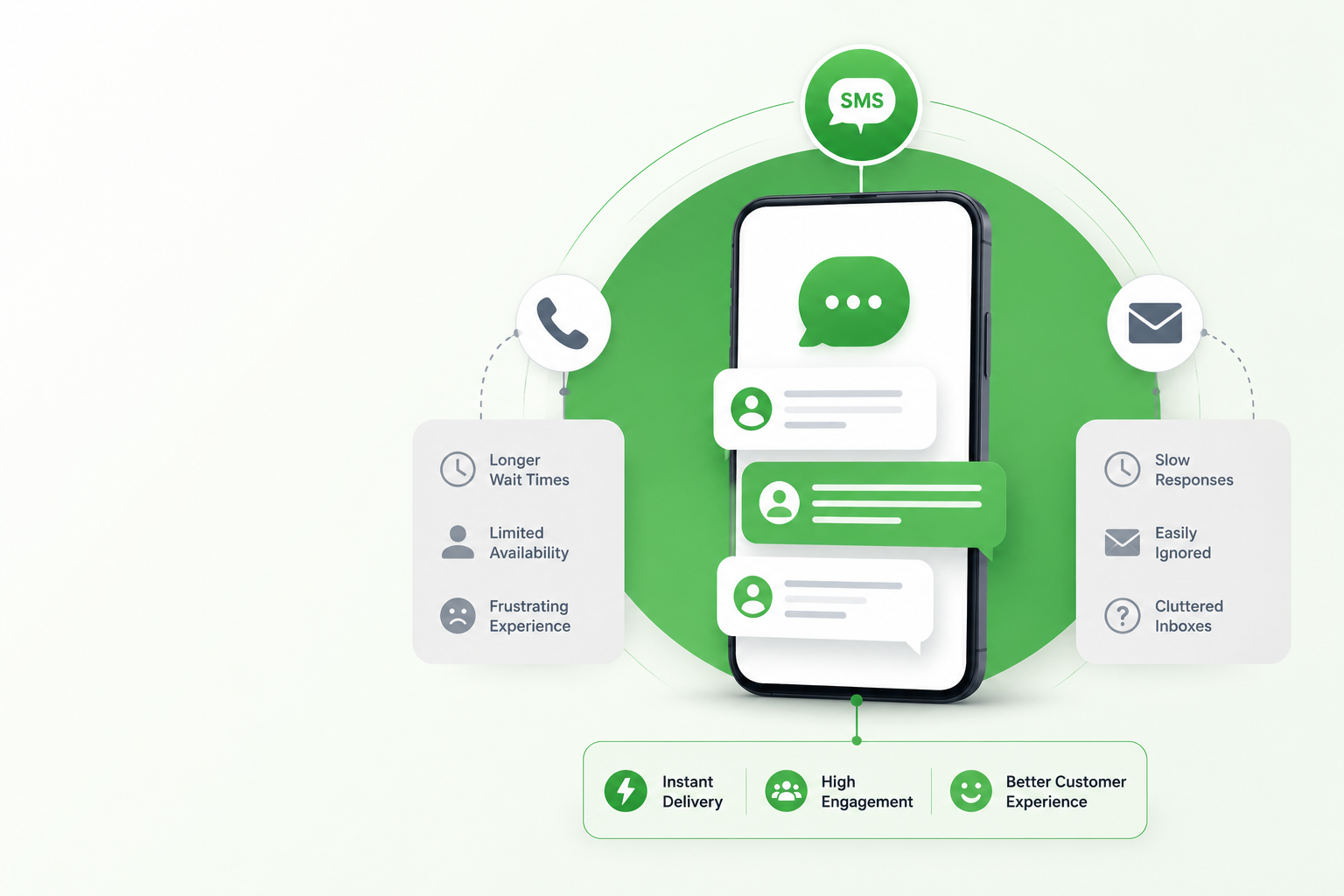
Texting from a phone works for a single user handling a handful of conversations. It breaks down the moment more than one person needs visibility into customer threads, a manager needs to review sent messages, or a team needs to send to hundreds of contacts simultaneously. The SimpleTexting 2025 report confirms that 84% of consumers have now opted in to receive texts from businesses, which means the volume of inbound and outbound SMS most business teams manage has grown significantly beyond what a personal phone can handle efficiently.
Sending SMS from a PC solves three specific operational problems that phone-based texting cannot:
- Full keyboard efficiency: Composing professional business messages on a full keyboard is faster, more accurate, and reduces the formatting errors that make messages look unprofessional.
- Team visibility and shared access: A browser-based business texting platform lets multiple team members access the same inbox simultaneously, assign conversations, and see full thread history without forwarding screenshots between colleagues.
- Integration with existing workflows: Texting from a computer means your SMS conversations live in the same environment as your CRM, email, and scheduling tools rather than siloed on a personal device no one else can access.
Method 1: Phone Mirroring Apps (Windows and Mac)
Phone mirroring is the fastest way to start texting from a PC without changing your current setup. Microsoft’s Phone Link app for Windows and Apple’s iPhone Mirroring for Mac both allow a connected smartphone to display its messages on a desktop screen, letting users send and receive texts directly from their computer using their phone’s existing number and carrier.
This method suits individuals who want desktop convenience for personal or low-volume texting. However for business use it carries three limitations:
- Single user only: Phone mirroring connects one phone to one computer. There is no way for a second team member to access the same conversation thread, which makes it unsuitable for any team-based customer communication workflow.
- No send bulk SMS from PC capability: Phone mirroring mirrors individual conversations only. It cannot send to contact lists, run campaigns, or handle mass texting scenarios that most business SMS programmes require.
- No compliance tools: TCPA opt-in management, 10DLC registration, and STOP processing are not features of phone mirroring apps. Any business sending marketing messages through a mirrored phone number operates without the compliance infrastructure that US carrier regulations require.
Method 2: Email to Text Services
Email to text is a method that converts an email into an SMS delivered to a mobile number, allowing a user to text from their computer through their existing email client. Most major US carriers support this through a standard email-to-SMS gateway format.
This approach offers zero setup cost and works immediately for simple, low-volume one-way notifications. The limitations for business use become apparent quickly:
- No two-way conversation support: Replies from the recipient arrive as emails rather than an SMS thread, making two-way customer conversations difficult to manage at any volume beyond a handful of daily exchanges.
- No personalisation or merge fields: Email to text cannot insert a recipient’s first name or custom data points, which removes the personalisation that drives higher response rates on customer-facing SMS.
- Carrier formatting inconsistencies: The email-to-SMS format displays differently across carriers, and some carriers have restricted or blocked these addresses for spam filtering purposes, which introduces delivery unreliability that a dedicated SMS notifications platform does not have.
SendHub’s email to text feature is a more reliable alternative that maintains the email-based workflow while routing messages through a properly registered business number with full delivery confirmation.

Method 3: A Browser-Based Business SMS Platform
A browser-based business SMS platform is the most complete method for any team that needs to send SMS from a PC as part of a professional customer communication workflow. It requires no phone connection, no hardware, and no technical setup beyond a browser and a login. Every team member accesses the same inbox from their own desktop, conversations are logged and searchable, and the platform handles compliance, delivery, and personalisation natively.
This is the method that scales with your business and the one that closes the operational gaps the other two methods leave open:
- Full team access from any desktop: Every team member logs into the same shared dashboard, sees the same conversation history, and can respond or assign threads without any phone involvement.
- Bulk and scheduled sends from PC: Scheduled text messaging and bulk SMS campaigns run directly from the browser, letting a single team member reach thousands of contacts in a single send without touching a phone.
- Built-in compliance: 10DLC registration, opt-in management, and STOP processing are handled within the platform. Every message sent from a registered business number satisfies TCPA and carrier requirements from day one.
For healthcare teams managing appointment reminders, real estate offices running listing alerts, or recruiting firms coordinating candidate pipelines, a browser-based platform is the only method that handles the volume, team access, and compliance requirements their workflows demand.
How SendHub Lets Your Whole Team Text From a Computer
SendHub is a browser-based business SMS platform built for teams that need to send text messages from a computer without phone dependency, hardware installation, or a technical team to manage the setup. Every feature works from a standard desktop browser:
- Two-way business texting from a shared team inbox accessible by every team member simultaneously from their own desktop.
- Bulk SMS and mass texting to thousands of contacts launched from a single browser-based dashboard send.
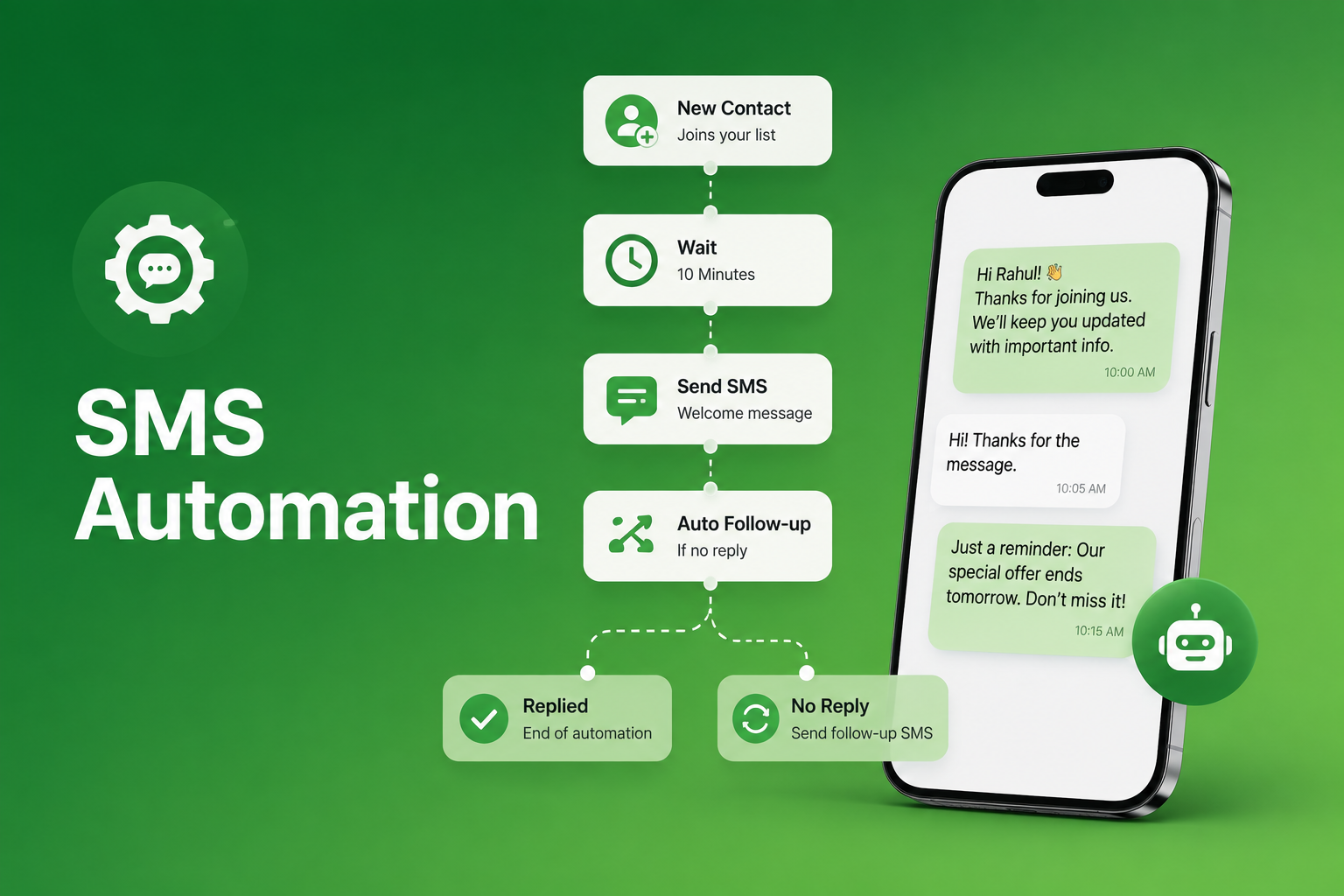
- Scheduled text messaging so campaigns and follow-ups run automatically without manual sends from a phone.
- Merge fields for first-name and custom-data personalisation across every outbound message sent from the desktop.
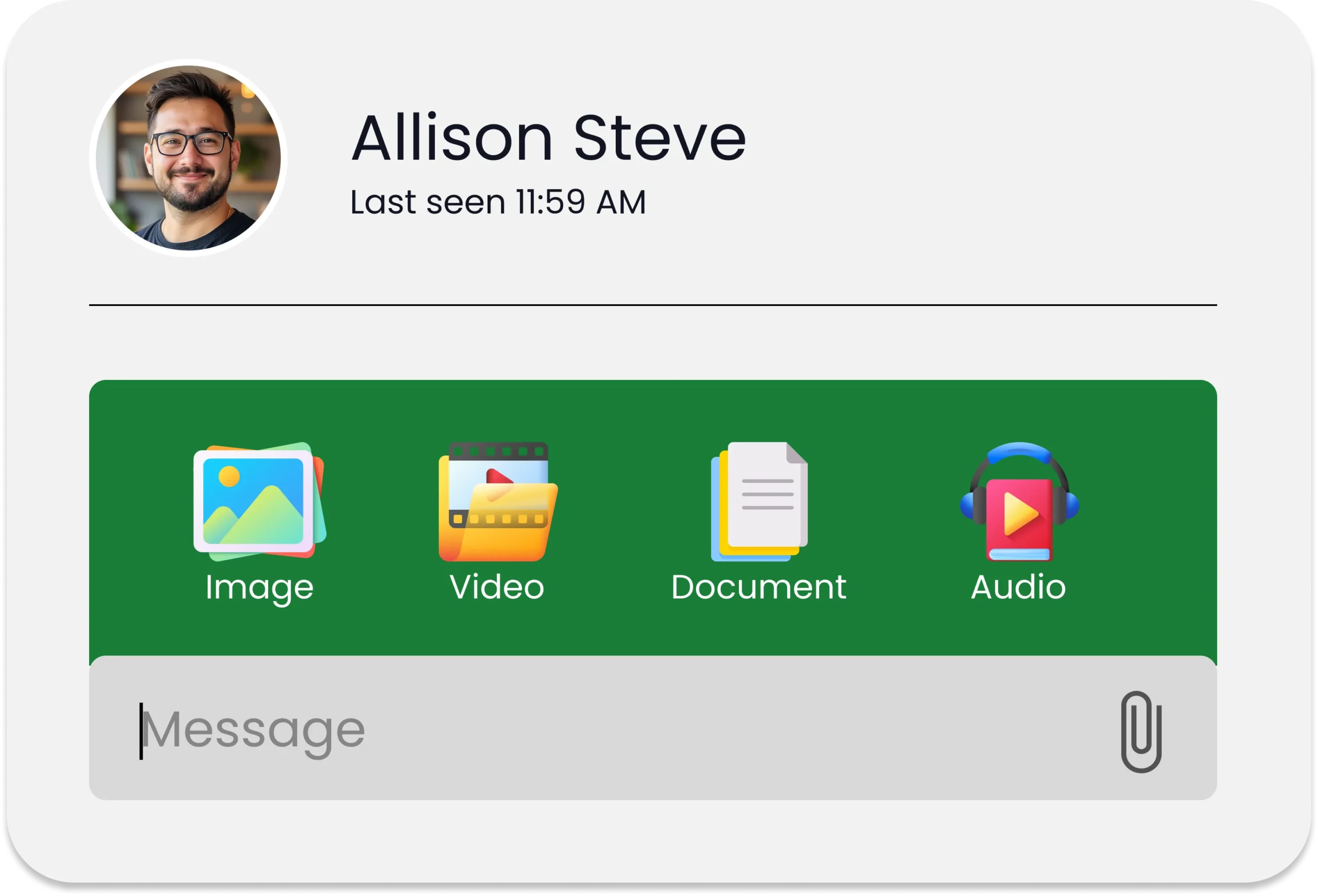
- SMS and MMS marketing tools for promotional campaigns managed and launched entirely from a browser.
- Analytics and reporting to track delivery rates, reply volume, and opt-out trends across every campaign from a desktop dashboard.
- 10DLC texting registration support so every message your team sends from a PC is carrier-compliant from the first send.
Frequently Asked Questions
Yes. A browser-based business SMS platform like SendHub lets your team send and receive text messages entirely from a desktop without any phone connection required. Consequently, it is the only method that supports full team access and business-scale sending.
A browser-based business SMS platform is the most complete method for teams. Additionally, it provides shared inbox access, bulk sending, compliance tools, and analytics that phone mirroring and email to text cannot match.
Yes. A shared inbox platform like SendHub gives every team member access to the same number and conversation history from their own desktop. Furthermore, team members can assign conversations and add internal notes without any phone involvement.
It depends on the method. Phone mirroring and email to text have no built-in compliance tools. Therefore, a dedicated business SMS platform that handles 10DLC registration, opt-in management, and STOP processing is the only computer-based texting method that satisfies TCPA requirements reliably.
Yes. A browser-based platform like SendHub supports bulk and mass texting campaigns launched directly from a desktop dashboard. Additionally, scheduled sends can be set up in advance to run automatically without any manual phone-based action.
Yes. Browser-based business SMS platforms work on any operating system with a standard web browser. Furthermore, there is no software installation required, which means any team member can access the platform from any device immediately.