Key Takeaways
- 25 ready-to-use appointment reminder templates across salon and spa, real estate, restaurants, auto dealers, recruiting, and general business.
- The three-message sequence, booking confirmation, a 48-hour reminder, and a same-day reminder, drives the biggest reduction in no-shows.
- Keep every message under 160 characters with one clear action, such as Reply C to confirm or R to reschedule.
- Stay TCPA compliant: collect opt-in at booking, include your business name, honor STOP requests, and register your 10DLC campaign.
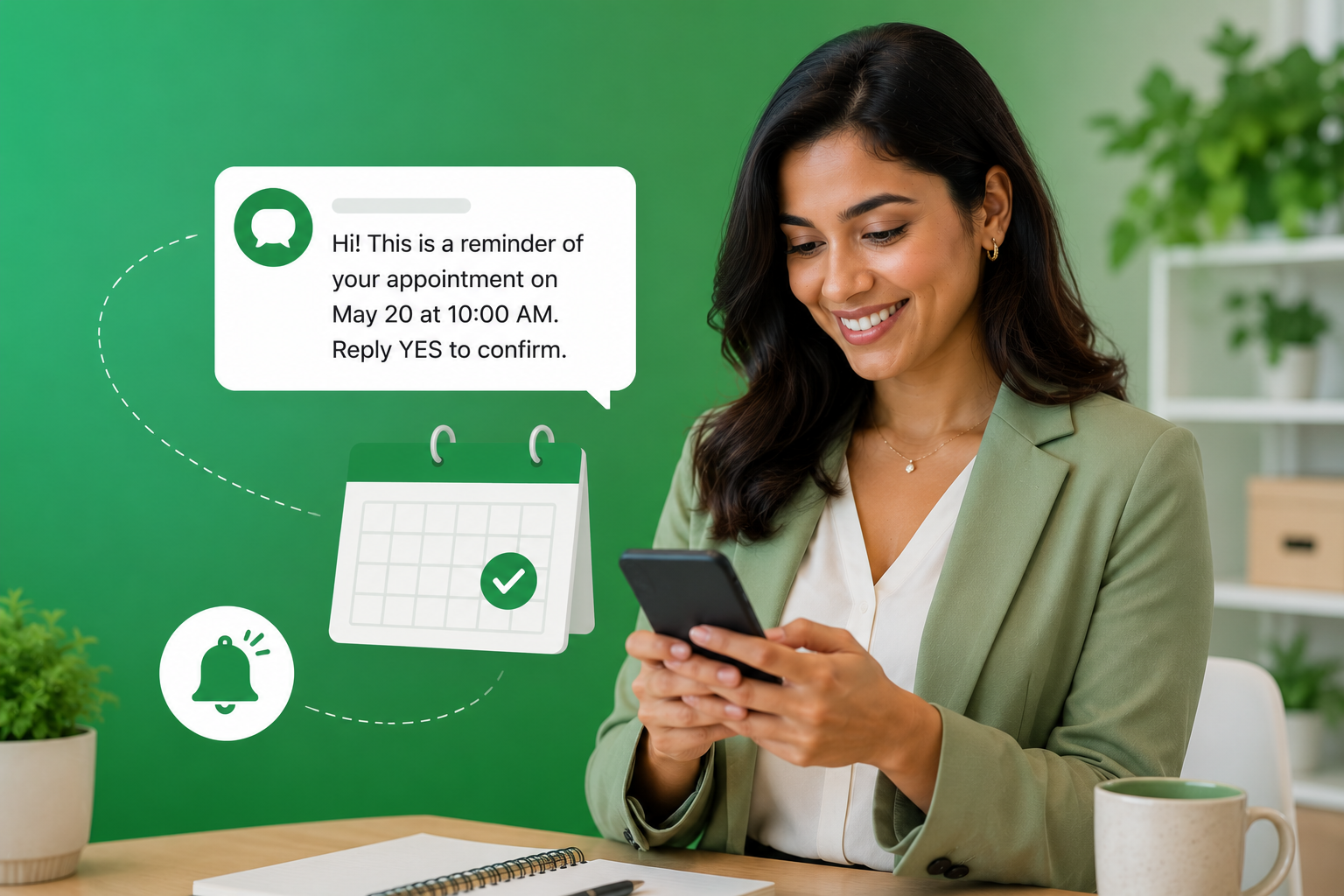
Appointment reminder text messages reduce no-shows, protect revenue, and keep schedules full without adding workload to your team. According to CTIA, SMS carries a 98% open rate with messages read within three minutes of delivery. A study published by the National Library of Medicine found that SMS reminders reduced healthcare no-show rates by up to 38%, and that impact extends to every appointment-based industry. Missed appointments are widely estimated to cost the US healthcare system around $150 billion annually. The best practices for appointment confirmation texts show the same pattern across verticals: a well-timed text sequence cuts no-shows faster than any other channel. This guide delivers 25 ready-to-copy templates organized by industry and timing stage.
Why Appointment Reminder Text Messages Outperform Every Other Channel
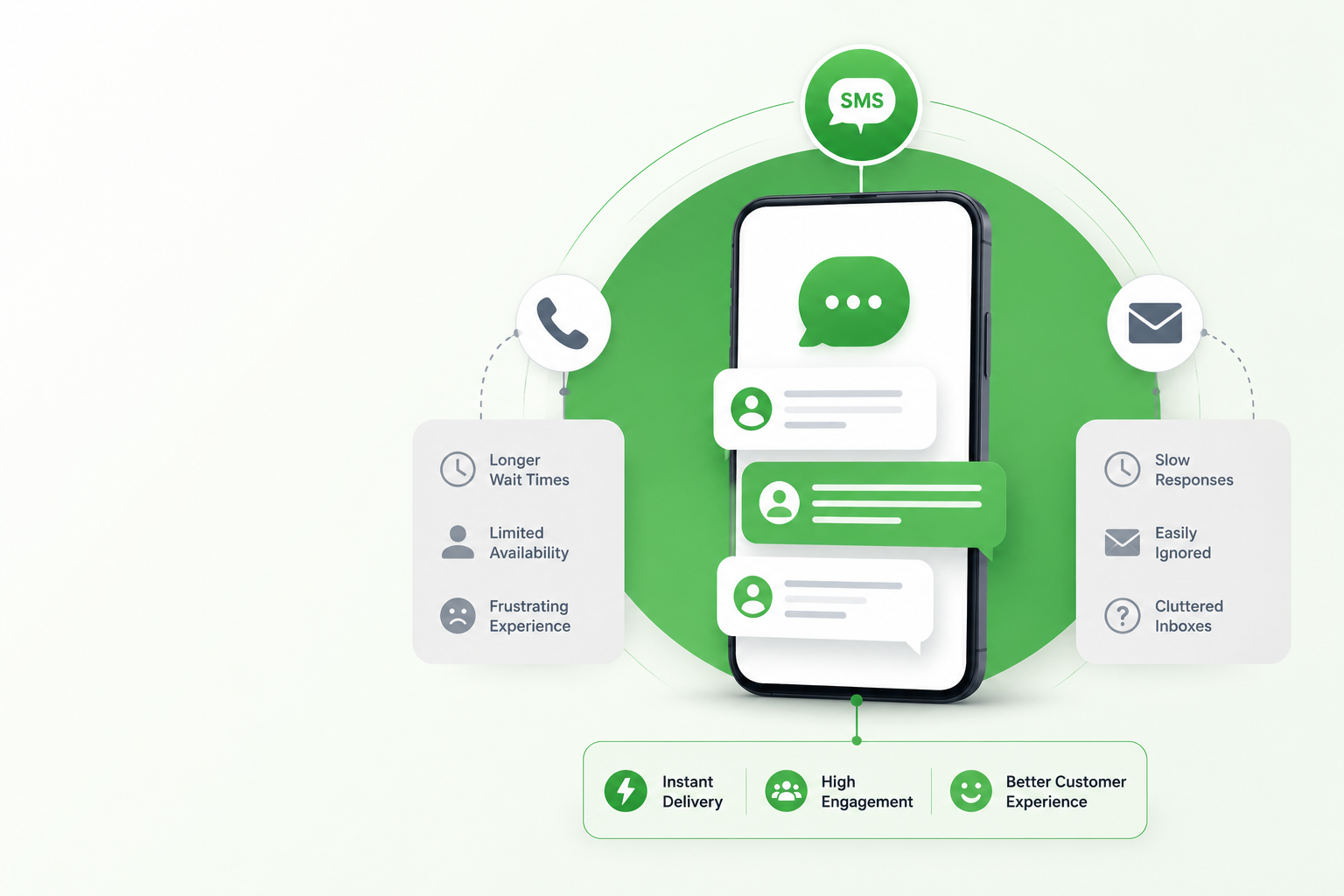
Phone calls go to voicemail. Emails sit unread for hours. According to Salesforce Research, SMS response rates run six to eight times higher than email for time-sensitive messages. An appointment reminder text message lands where customers already spend their day and asks for a single action. These templates put into practice the broader approach covered in our guide to SMS reminders for business.
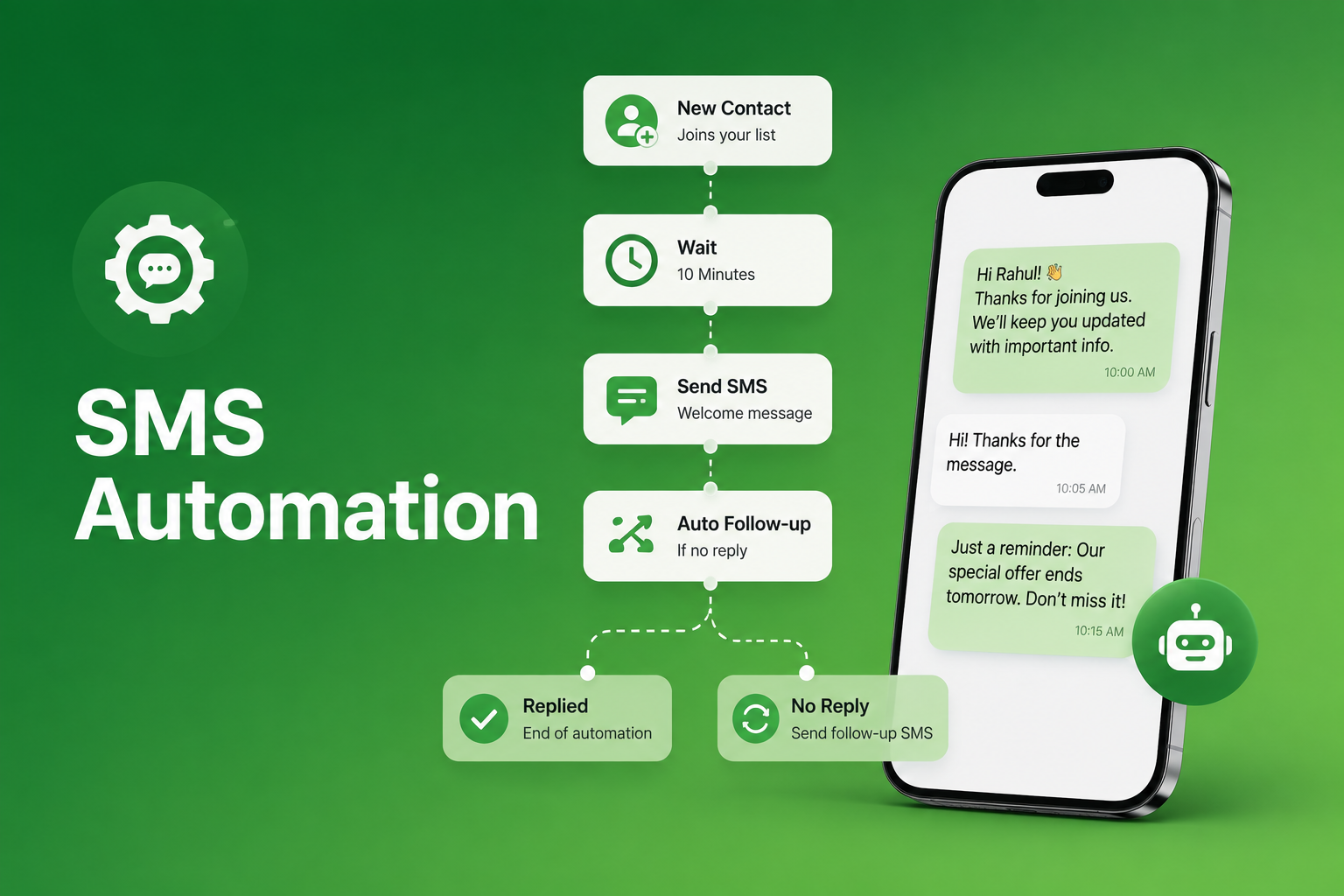
The most effective sequences use three messages, not one:
- Timing 1: Immediately after booking — Confirms receipt and sets expectations while the booking is fresh.
- Timing 2: 48 hours before — Gives customers time to reschedule without pressure. This message drives the highest confirmation rate.
- Timing 3: Same day, 2 to 4 hours before — Covers logistics: location, parking, what to bring. Eliminates last-minute uncertainty.
Scheduled text messaging automates all three messages from the moment a booking is confirmed, with no manual effort from your team.
Looking for healthcare templates? Patient reminders carry specific HIPAA and consent requirements, so we cover clinics, dental offices, and specialist practices in a dedicated guide: see our full set of patient appointment reminder SMS templates for healthcare teams.

Salon, Spa, and Beauty Appointment Reminder Text Message Templates
Salon, spa, and beauty businesses lose booked chair and treatment-room time to every no-show, with almost no way to fill the slot at the last minute. These five templates cover the full booking-to-arrival sequence for salons, spas, and beauty studios.
Template 1: Booking confirmation “Hi [First Name], your [Service] with [Stylist/Therapist] at [Salon Name] is booked for [Date] at [Time]. Reply C to confirm or R to reschedule. See you soon.”
Template 2: 48-hour reminder “Hi [First Name], a reminder that your [Service] at [Salon Name] is on [Date] at [Time] with [Stylist]. Reply C to confirm or R to reschedule.”
Template 3: Same-day reminder “Hi [First Name], your [Service] at [Salon Name] is today at [Time]. Please arrive 5 minutes early. Running late? Reply here. [Salon Name]”
Template 4: Prep instruction reminder “Hi [First Name], ahead of your [Service] at [Salon Name] on [Date] at [Time], please [arrive with clean hair / avoid caffeine / remove nail polish]. Reply C to confirm.”
Template 5: Rebooking prompt “Hi [First Name], it has been [X weeks] since your last [Service] at [Salon Name]. Ready to book your next visit? Reply here and we will find a time. [Salon Name]”
Real Estate Appointment Reminder Text Message Templates
Real estate text messaging teams lose significant productivity to missed viewings and no-show consultations. According to the National Association of Realtors, agent follow-up speed and communication consistency are among the top factors influencing buyer satisfaction. These four templates cover confirmations, reminders, and open house outreach.
Template 6: Viewing confirmation “Hi [First Name], your viewing at [Property Address] is confirmed for [Date] at [Time] with [Agent Name]. Reply C to confirm or reply with questions. [Agency Name]”
Template 7: 24-hour viewing reminder “Hi [First Name], your property viewing at [Address] is tomorrow at [Time]. Meet [Agent Name] at the front entrance. Reply C to confirm or R to reschedule.”
Template 8: Buyer consultation confirmation “Hi [First Name], your buyer consultation with [Agent Name] at [Agency] is confirmed for [Date] at [Time] at [Location]. Reply C to confirm or reply here with questions.”
Template 9: Open house reminder “Hi [First Name], [Agent Name] from [Agency] here. [Property Address] is open this [Day] from [Time] to [Time]. No RSVP needed. Reply with any questions before you arrive.”
Restaurant Appointment Reminder Text Message Templates
For restaurants, a missed reservation is lost table revenue with no recovery window. Restaurant text messaging reminders sent 24 hours out, and again same-day, give guests the friction-free option to cancel rather than simply not show up. These four templates cover the full reservation cycle.
Template 10: Reservation confirmation “Hi [First Name], your reservation at [Restaurant Name] for [Party Size] is confirmed for [Date] at [Time]. Reply C to confirm or R to cancel. We look forward to seeing you.”
Template 11: Same-day reminder “Hi [First Name], see you tonight at [Restaurant Name]. Your table for [Party Size] is at [Time]. Running late? Reply here, and we will hold your table 15 minutes. [Restaurant Name]”
Template 12: Large party confirmation “Hi [First Name], your group reservation at [Restaurant Name] for [Party Size] on [Date] at [Time] is confirmed. Reply C to confirm or call [Phone] to adjust party size.”
Template 13: Cancellation recovery “Hi [First Name], we have not received your confirmation for [Restaurant Name] on [Date] at [Time]. Reply C to keep it or R to cancel. Your table is still reserved.”
Auto Dealer Appointment Reminder Text Message Templates
Auto dealer text messaging confirmation sequences reduce missed service appointments and improve daily scheduling efficiency. These four templates cover service, test drive, and follow-up scenarios common to dealership operations.
Template 14: Service appointment confirmation “Hi [First Name], your [Vehicle] service at [Dealership Name] is confirmed for [Date] at [Time]. Courtesy vehicle [available/not available]. Reply C to confirm or R to reschedule.”
Template 15: Day-before service reminder “Hi [First Name], your [Vehicle] service at [Dealership Name] is tomorrow at [Time]. Please bring your keys and [Required Documents]. Reply C to confirm.”
Template 16: Test drive confirmation “Hi [First Name], your test drive for the [Vehicle Model] at [Dealership Name] is confirmed for [Date] at [Time]. Ask for [Sales Rep Name] on arrival. Reply C to confirm.”
Template 17: Service follow-up “Hi [First Name], your [Vehicle] service at [Dealership Name] is complete. Ready for pickup at [Time]. Any questions? Reply here. [Dealership Name]”
Recruiting Appointment Reminder Text Message Templates
Recruiting text messaging teams that use SMS confirmation sequences reduce candidate no-show rates significantly. According to SHRM, up to 20% of candidates who accept interview invitations fail to attend when confirmation is email-only. These four templates cover every stage of the interview funnel.
Template 18: Interview confirmation “Hi [First Name], your interview for [Role] at [Company] is confirmed for [Date] at [Time] at [Location/Link]. Reply C to confirm or reply with any questions. [Recruiter Name]”
Template 19: Video interview reminder “Hi [First Name], your video interview for [Role] at [Company] is tomorrow at [Time]. Join here: [Link]. Reply C to confirm you have the link.”
Template 20: Second-stage interview confirmation “Hi [First Name], congratulations on progressing to the next stage. Your interview for [Role] at [Company] is confirmed for [Date] at [Time]. Reply C to confirm.”
Template 21: Assessment or onboarding confirmation “Hi [First Name], your [Assessment/Onboarding Session] at [Company] is confirmed for [Date] at [Time] at [Location]. Reply C to confirm or reply here with questions.”
General Business Appointment Reminder Text Message Templates
These four templates work across service industries, including legal, financial, home services, and any small business texting operation that books client appointments. Templates 24 and 25 capture rescheduling and re-engagement, a gap neither competitor page addresses.
Template 22: Service booking confirmation “Hi [First Name], your [Service Name] at [Business Name] is confirmed for [Date] at [Time] with [Provider]. Reply C to confirm or R to reschedule.”
Template 23: Non-reply follow-up “Hi [First Name], we have not heard back about your appointment at [Business Name] on [Date] at [Time]. Reply C to confirm or R to reschedule. Your slot is still reserved.”
Template 24: Rescheduling offer “Hi [First Name], we moved your [Service] at [Business Name] from [Original Date] to [New Date] at [Time]. Reply C to accept or reply here to choose a new time.”
Template 25: Post-appointment re-booking prompt “Hi [First Name], thanks for visiting [Business Name] on [Date]. Ready to schedule your next [Service]? Reply here and we will get you booked. [Business Name]”
TCPA Compliance for Appointment Reminder Text Messages
Under the Telephone Consumer Protection Act, appointment reminders sent to existing customers require prior express consent collected at the point of booking. Key requirements every business must follow:
- Include your business name as the sender in every message
- Process STOP requests immediately and send no further messages to opted-out contacts
- Store consent records for audit purposes
- If the reminder includes any promotional content, express written consent is required
- All 10DLC campaigns must be registered before sending to avoid carrier filtering

How SendHub Powers Appointment Reminder Sequences
SendHub is built for the scheduling workflow, from booking trigger to same-day follow-up, across every industry in this guide:
- Scheduled text messaging automates the full three-message sequence from a single booking trigger
- SMS templates storing all 25 templates above for consistent, instant sending across your team
- Two-way SMS with a shared inbox managing confirmation replies and rescheduling requests from one dashboard
- SMS notifications trigger confirmation messages automatically based on booking events
- Bulk SMS for high-volume operations, sending hundreds of reminders simultaneously
- Analytics and reporting tracking delivery rates, confirmation replies, and no-show patterns across every campaign
- Contact database keeping opt-in consent records and contact details organized for every campaign
- 10DLC registration support, ensuring every reminder campaign meets carrier compliance requirements before launch
Frequently Asked Questions
At minimum, include the customer’s name, date, time, location or provider, and a confirmation action such as Reply C. Additionally, include a rescheduling option to reduce silent no-shows rather than outright missed appointments.
Three messages deliver the best results: a booking confirmation immediately, a 48-hour reminder, and a same-day message 2 to 4 hours before. Together, these address every stage where customers typically drop off.
A confirmation text is sent immediately after booking to verify intent. A reminder is sent closer to the date to prevent forgetting. Furthermore, combining both in a sequence delivers lower no-show rates than using either alone.
Yes. Scheduled messaging automates the full three-message sequence from the moment a booking is confirmed. Additionally, merge fields insert names, dates, and provider details automatically without manual editing.
Keep it under 160 characters where possible. Include only the essential details: name, date, time, and a single action. Moreover, shorter messages consistently get higher confirmation response rates than longer ones.
Yes. Toll-free texting supports appointment reminder campaigns and is a common choice for businesses that want a consistent, recognizable sender number across all outreach.
Send the non-reply follow-up in Template 23 above one day before the appointment. This message acknowledges the silence and gives the customer a final low-friction option to confirm or reschedule before the slot is lost.