
Text recruiting works because it meets candidates on the channel they actually check. With 98% of Americans owning a cellphone and about nine in ten owning a smartphone, according to the Pew Research Center, a text reaches a job seeker faster than any email or voicemail. Texts are also opened and read within minutes, far ahead of email, according to Mobile Marketing Watch, which is exactly what a competitive hiring funnel needs. For recruiters and staffing teams, that speed turns into more replies, fewer no-shows, and faster placements. This 2026 guide explains why text recruiting works, how to use it at every hiring stage, and how to stay compliant, with copy-paste templates you can put to work today on a recruiting text messaging built for the job.
Why Text Recruiting Works for Modern Hiring
Hiring moves fast, and strong candidates are off the market in days. Text recruiting works because it removes the lag that email and phone tag introduce, letting you connect while interest is still high. Many job seekers now say they prefer to be contacted by text during the hiring process, according to Jobvite, so meeting them there improves both response rates and the candidate experience.
Speed to candidate: Texts land in seconds, which matters when an applicant is pursuing several roles at once. Higher response rates: Candidates reply to texts more readily than to email, keeping your pipeline moving. Fewer no-shows: Reminders by text cut missed interviews, a chronic problem in high-volume hiring. Proven at scale: Employers have already used SMS to build their workforce during seasonal and high-volume pushes.

How to Use Text Recruiting Across the Hiring Process
Text recruiting works at every stage, from first contact to onboarding. The templates below use merge fields like {First Name} and {Job Title} so each message feels personal even at volume. Keep them short, lead with the value, and always identify yourself and your company.
Screen candidates quickly Confirm basic requirements before you invest time in a call. Hi {First Name}, thanks for applying to {Job Title} at {Company}. Do you have a valid Class D license? Reply YES or NO.
Promote open roles Reach your talent pool the moment a role opens. Hi {First Name}, {Company} is hiring a {Job Title} and you would be a strong fit. Tap to apply: {Link}
Schedule interviews Cut the back-and-forth by offering a few times. For confirmations, see our guide to interview confirmation texts. Hi {First Name}, we would love to interview you for {Job Title}. Does Tue 10am or Wed 2pm work? Reply with your pick.
Send reminders and updates Reduce no-shows and keep candidates informed. Hi {First Name}, reminder: your interview for {Job Title} is tomorrow at {Time}. Reply C to confirm or R to reschedule.
Extend offers and onboard Keep momentum after the decision. Congrats {First Name}! We are excited to offer you the {Job Title} role. Check your email for details and reply here with any questions.
Text Recruiting Dos and Don’ts
A few habits separate text recruiting that builds trust from texting that gets ignored or reported. Keep every message human, relevant, and easy to act on.
Do introduce yourself. Lead with your name and company, since your number is unknown to the candidate. Don’t write a wall of text. Keep it short and lead with the opportunity, not a list of requirements. Do personalize. Reference the role and the candidate’s strengths so the message feels written for them. Don’t ghost. Follow up with honest status updates rather than going silent after an interview.
Text Recruiting Compliance: TCPA, 10DLC, and Opt-In
Text recruiting works only when your messages are compliant and welcomed. Recruiting texts fall under the same rules as other business messaging, so set up consent and registration before your first campaign.
Get opt-in consent. Only text candidates who have agreed to receive messages. Learn how to collect opt-in consent through applications and keywords. Register for 10DLC. Business texting from a standard number requires 10DLC registration so carriers deliver your messages reliably. Follow the TCPA. Review the FCC’s TCPA overview and include a clear opt-out in your messages. Confirm with double opt-in. The double opt-in method verifies consent and keeps your candidate list clean.
Recruiting Text Messaging Features to Look For
Whatever platform you choose, recruiting text messaging should cover the full hiring workflow in one place. SendHub brings these capabilities together:
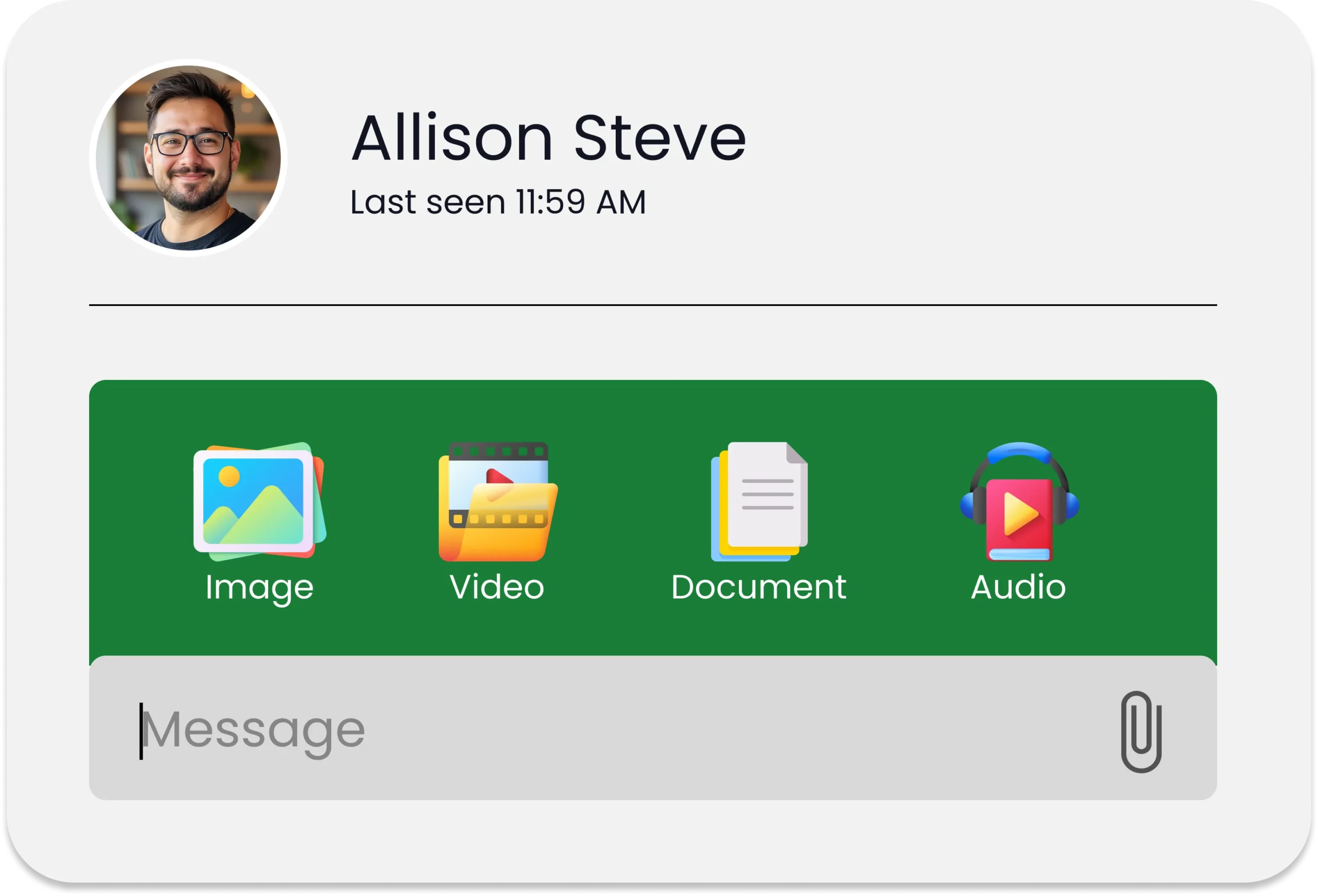
Mass texting to promote roles to your whole talent pool at once. Two-way texting so candidates can reply, confirm, and ask questions. Scheduled texts for reminders and follow-ups that send themselves. Saved templates for the screening, scheduling, and offer messages you reuse. A shared team inbox so recruiters and hiring managers work from one thread. Text-to-apply keywords that let candidates opt in by texting a word to your number.
Why Recruiters Choose SendHub for Text Recruiting
SendHub gives recruiting and staffing teams everything they need to run text recruiting from one place, with no separate tools to stitch together and no setup headaches. Here is what you get:
- Mass texting to promote open roles to your entire talent pool in a single send.
- Two-way texting so candidates can reply, confirm interviews, and ask questions in real time.
- Scheduled texts for reminders and follow-ups that send themselves at the right moment.
- Saved templates for the screening, scheduling, and offer messages you reuse every week.
- A shared team inbox so recruiters and hiring managers work candidates from one thread.
- Text-to-apply keywords that let candidates opt in by texting a single word to your number.

Conclusion
Text recruiting works because it fits how candidates already communicate, and the teams that adopt it fill roles faster while leaving a better impression. Pair a clean opt-in list with the templates above and you have a hiring channel that runs in minutes, not days. The next strong candidate is one text away.
FAQs
Yes, because texts are opened and answered far more often than email, which keeps candidates engaged. As a result, recruiters hear back faster.
Generally, yes, as long as you follow TCPA rules, register for 10DLC, and get opt-in consent first. Additionally, every message should offer a clear opt-out.
Primarily, it handles outreach, screening, interview scheduling, reminders, and offers. Moreover, it works well for onboarding new hires.
Typically, they consent through a job application or by texting a keyword to your number. Then, they can reply STOP at any time.
Absolutely. With mass texting and merge fields, you can personalize a single message and send it to your entire pipeline.
Ideally, keep it to one or two short sentences with a single clear next step. Because brevity drives replies, shorter usually performs better.
Yes, since automated reminders reach candidates on the device they check most. Consequently, fewer interviews are missed.
First, introduce yourself and your company, then state the role and one clear action. Finally, make replying easy.
Definitely. For seasonal surges or staffing drives, texting lets you reach and screen many candidates quickly without losing the personal touch.
To begin, choose a platform, register for 10DLC, and build an opt-in list. Afterward, book a demo to see it in action.