
Key Takeaways
- An SMS API connects your business software to the carrier network so texts send and receive automatically, triggered by events, with no manual sending.
- It powers appointment reminders, order confirmations, two-way replies, and bulk campaigns at any scale, from 50 to 500,000 messages.
- Non-developers get the same automation through no-code Zapier integration across 1,500-plus apps.
- A compliant API handles 10DLC registration, opt-in and opt-out, and consent records automatically, though you still must collect consent before sending.
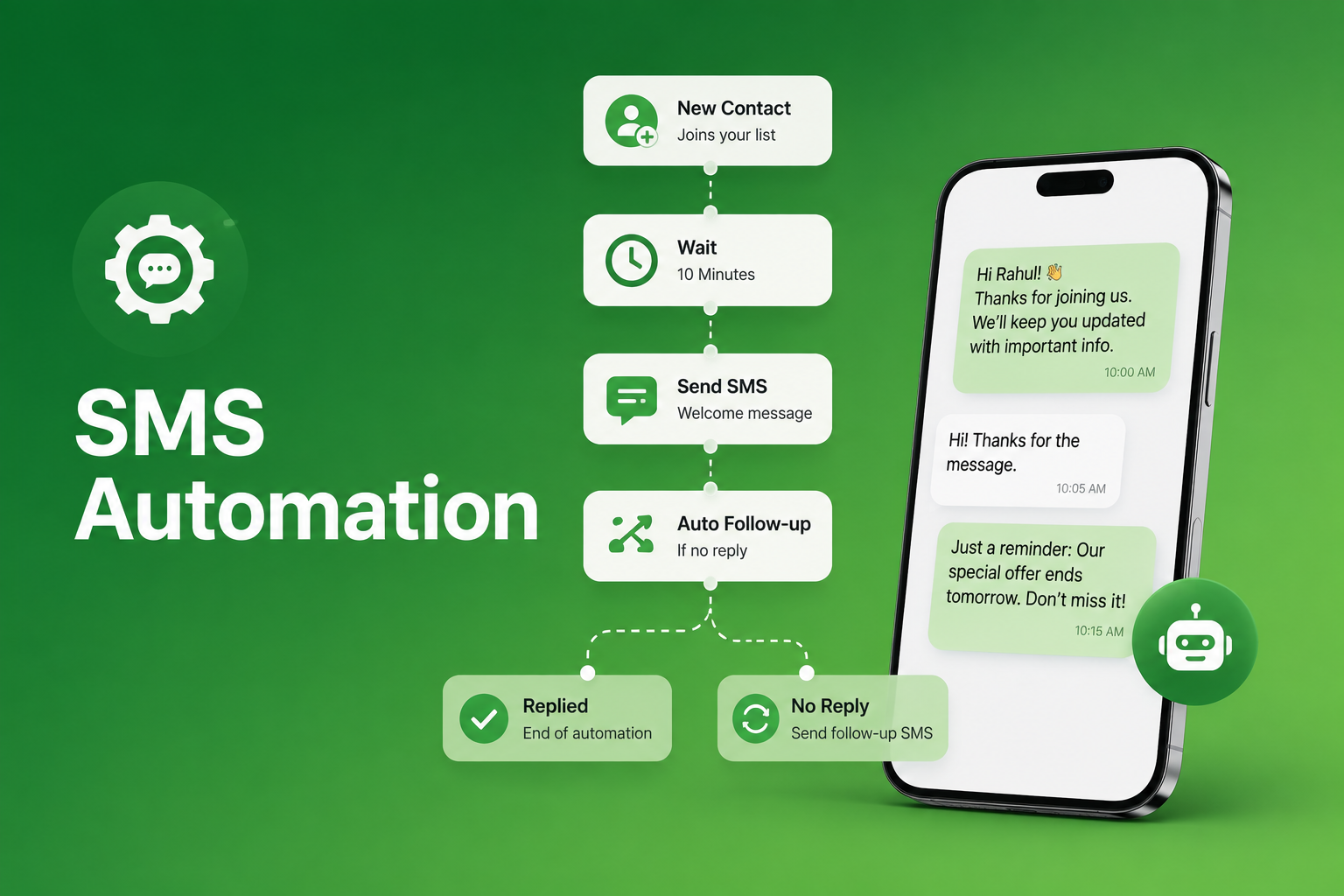
An SMS API is the bridge between your business software and the mobile carrier network that delivers text messages to your customers. Without it, every SMS your business sends requires manual effort. With it, your CRM triggers a confirmation text the moment an order is placed, your scheduling system sends appointment reminders automatically, and your marketing platform runs personalized campaigns to thousands of contacts without anyone pressing send.
In 2026, business text messaging had a 98% open rate according to CTIA. According to GSMA, A2P (Application-to-Person) SMS, the category that encompasses all API-sent business messages, represents the majority of global SMS traffic in 2026, confirming that automated, programmatic messaging has overtaken manual sending as the dominant mode of business SMS. The SMS API is what makes that scale possible.
What Is an SMS API and What Does It Do
API stands for Application Programming Interface. An SMS API is a set of protocols that allows one software system to communicate with an SMS gateway, which connects to the mobile carrier network to send and receive text messages automatically.
Think of it like a postal sorting office. Your message goes in, the API reads the address, routes it through the right carrier channel, and delivers it to the right phone, all within seconds and without any human involvement. The business never has to touch the message manually.
Key capabilities of an SMS API:
- Send outbound SMS and MMS triggered by events in your existing software
- Receive inbound SMS, and route replies into your system or shared inbox
- Manage contacts, including opt-ins, opt-outs, and database updates
- Schedule messages based on triggers or calendar events
- Access delivery reports confirming whether each message was received
- Manage keywords for text-to-join campaigns and automated response flows
How an SMS API Works: The Step-by-Step Process
Your software sends a request. Your platform makes an HTTP request to the SMS API endpoint with the recipient’s phone number, message content, and your authentication credentials.
The API processes the request. The API validates the request, checks compliance parameters such as opt-in status, and queues the message for delivery.
The message routes to the carrier network. The API connects to the carrier network via shortcode, 10DLC long code, or toll-free number and the message is delivered to the recipient’s phone.
Delivery confirmation returns. A delivery receipt is sent back to your system confirming delivery status. Inbound replies are automatically captured and routed back to your inbox or CRM.
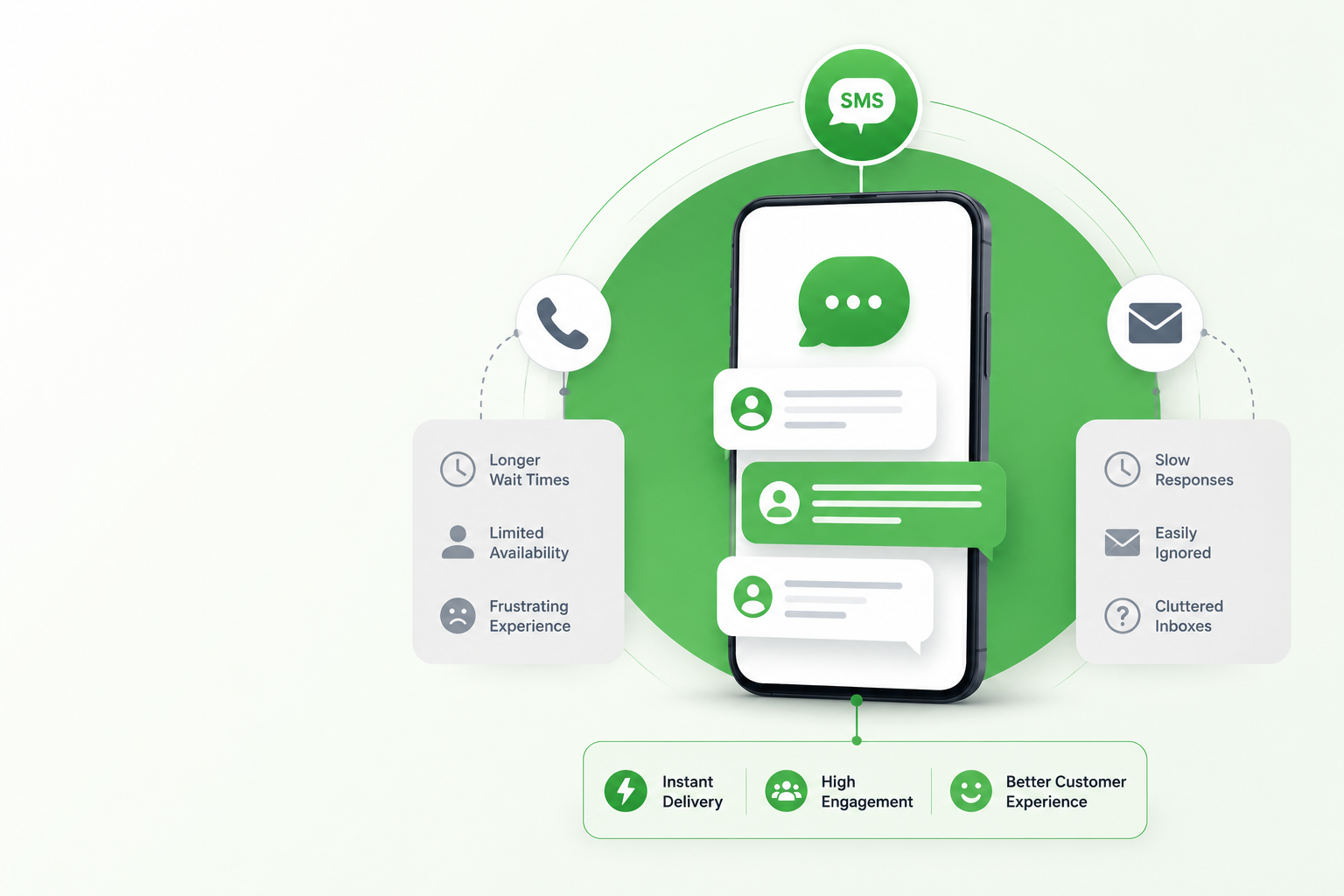
This entire process completes within seconds of the triggering event, which is why SMS marketing via API is so effective for time-sensitive communication like appointment reminders, order confirmations, and real-time alerts.
Why an SMS API Matters for Business in 2026
Automation without manual effort. The most significant benefit is removing human intervention from routine messaging. Programmatic sending through an API means appointment reminders go out automatically, order confirmations are sent within seconds, and follow-up sequences run on schedule without anyone on your team manually initiating each send. This is the foundation of broader SMS automation, and the same principle powers effective SMS reminders for business.
Integration with tools you already use. An SMS API connects a business text messaging service to your CRM, e-commerce platform, healthcare management system, or helpdesk. According to Salesforce Research, businesses that integrate SMS into their CRM workflows see significantly higher customer engagement than those managing SMS as a separate standalone channel.
Scalability from dozens to millions. A manual SMS workflow breaks at volume. An SMS API scales without breaking, sending to 50 contacts or 500,000 with the same reliability and personalization. For businesses running bulk SMS campaigns or mass SMS marketing programmes, the API is what makes scale operationally possible.
Two-way communication routed automatically. An SMS API does not just send messages. It receives them. Two-way SMS through an API routes inbound customer replies back into your CRM or shared inbox automatically, creating a seamless conversational experience without requiring customers to use a separate app.
Compliance management at scale. In 2026, 10DLC registered messaging and TCPA compliance are non-negotiable for business SMS. A well-built SMS API handles opt-in validation, opt-out processing, and consent record keeping automatically across every message sent through your integrated systems.
No-code integration for non-developers. Not every business has developer resources. SendHub’s Zapier integration connects your existing software to SMS across over 1,500 apps without any coding required, giving non-technical teams the same automation capability as API-integrated businesses.

SMS API Use Cases by Industry
Healthcare: Automated appointment reminders and post-visit follow-ups triggered by your practice management system. Healthcare text messaging through an API reduces no-shows without adding administrative workload.
Real estate: New listing alerts and showing confirmations triggered automatically by your CRM. Real estate texting through an API keeps agents responsive without manual sends.
Recruiting: Interview confirmations and candidate status updates triggered by your ATS. Text recruiting through an API speeds up every stage of the hiring funnel.
Auto dealers: Service reminders and vehicle-ready notifications triggered by your DMS. Auto dealer text messaging through an API improves service department efficiency measurably.
Restaurants: Reservation confirmations and waitlist notifications triggered automatically by your booking system. Restaurant text messaging through an API eliminates front-of-house phone volume without losing the personal touch.
Transportation: Real-time delivery notifications and dispatch updates triggered by your logistics platform. Text messaging for transport through an API reduces failed deliveries and improves customer satisfaction simultaneously.
Heavy equipment dealers: Service scheduling alerts and parts availability notifications triggered by your DMS. Heavy equipment SMS marketing through an API keeps customers informed without manual outreach from your service team.
Small businesses: Order confirmations and booking reminders triggered by your e-commerce or booking platform. Text message marketing for small business through an API levels the operational playing field with larger competitors.
What to Look for in an SMS API in 2026
- Deliverability and carrier relationships directly connected to major US carriers for reliable, fast delivery
- 10DLC and compliance support, with brand and campaign registration manageable through the API or associated platform
- Inbound message handling, so replies are routed as reliably as outbound messages are sent
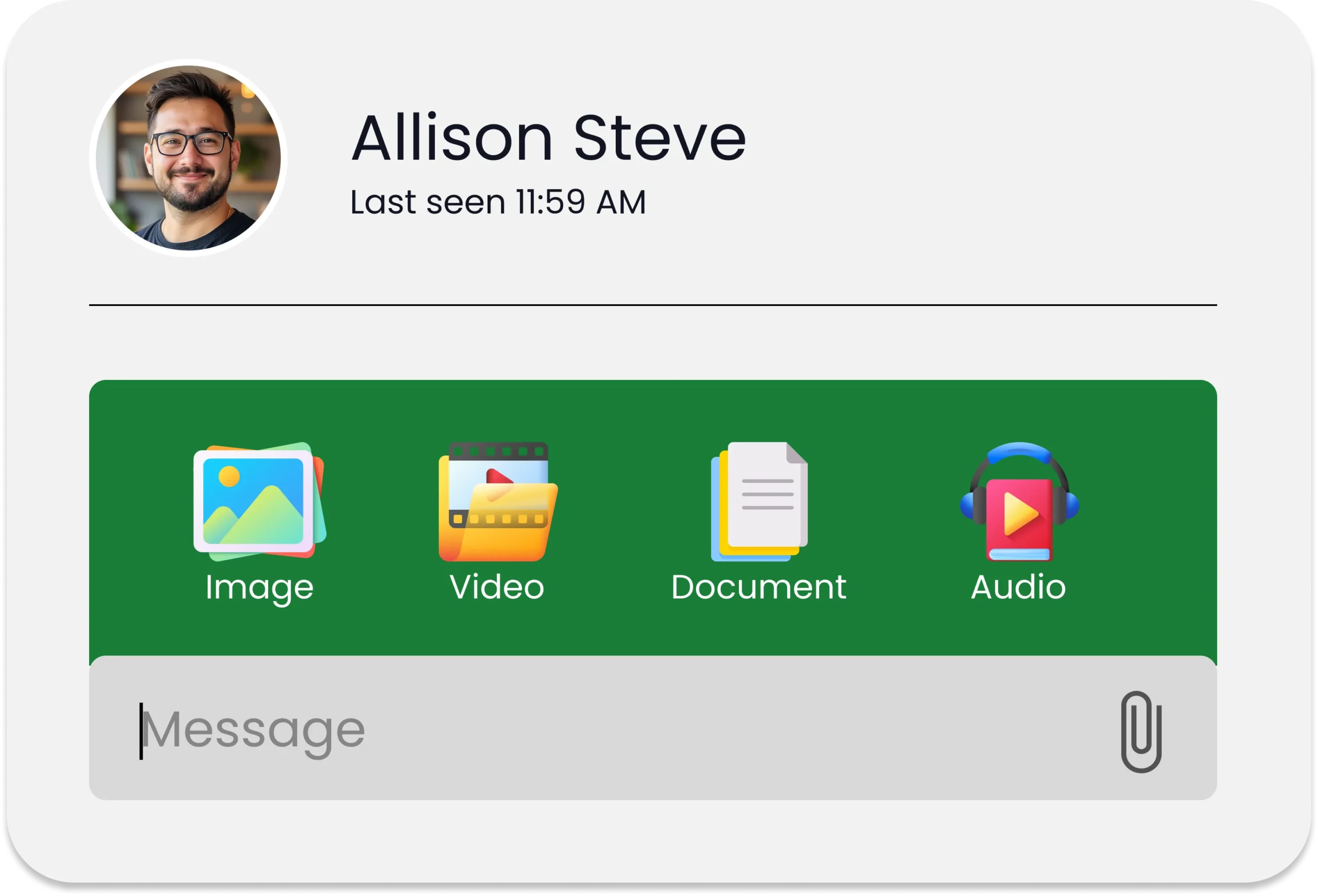
- MMS support for image, GIF, and document attachments alongside text
- Webhook support, with real-time delivery receipts and inbound notifications available for tight system integration
- Documentation quality, with clear and current developer documentation supported by a responsive technical team
How SendHub’s SMS API Works
SendHub’s SMS API gives developers direct access to send and receive SMS and MMS, manage contacts, handle keywords, and access delivery data from any connected software system:
- SMS and MMS marketing through the API, supporting both text and visual message formats in a single integration
- Two-way SMS routing inbound replies back into the SendHub shared inbox or your connected CRM automatically
- Zapier integration for code-free connectivity to over 1,500 apps without developer involvement
- Built-in compliance tools that manage opt-in consent, opt-out processing, and 10DLC registration through the platform
- Webhook support for real-time delivery receipts and inbound message notifications in connected systems
Conclusion
In 2026, an SMS API is not a technical nice-to-have. It is the operational infrastructure that separates businesses managing communication reactively from those delivering timely, personalized, automated messages at the moment every customer needs them. The channel already has the highest open rate of any digital communication medium. The API is what makes it work at scale.
Frequently Asked Questions
An SMS API is a set of protocols that allows business software to connect to the mobile carrier network to send and receive text messages automatically, triggered by events in your existing systems without manual intervention.
Your software sends an HTTP request to the API endpoint with the recipient number and message content. The API validates the request, routes the message through the carrier network, delivers it to the recipient’s phone, and returns a delivery confirmation to your system within seconds.
An SMS platform is a standalone web application where you manually compose and send messages. An SMS API allows your existing software to send and receive messages automatically without logging into a separate platform, making it suited for automated, high-volume, or trigger-based messaging workflows.
10DLC is the carrier registration system for business SMS on long code numbers. Any business sending API-triggered messages at scale must register their brand and campaigns through 10DLC before sending. A compliant SMS API platform handles this registration automatically.
Yes, provided the API supports MMS. SendHub’s API supports both SMS and MMS, allowing businesses to send images, GIFs, PDFs, and other media alongside text messages through the same integration.