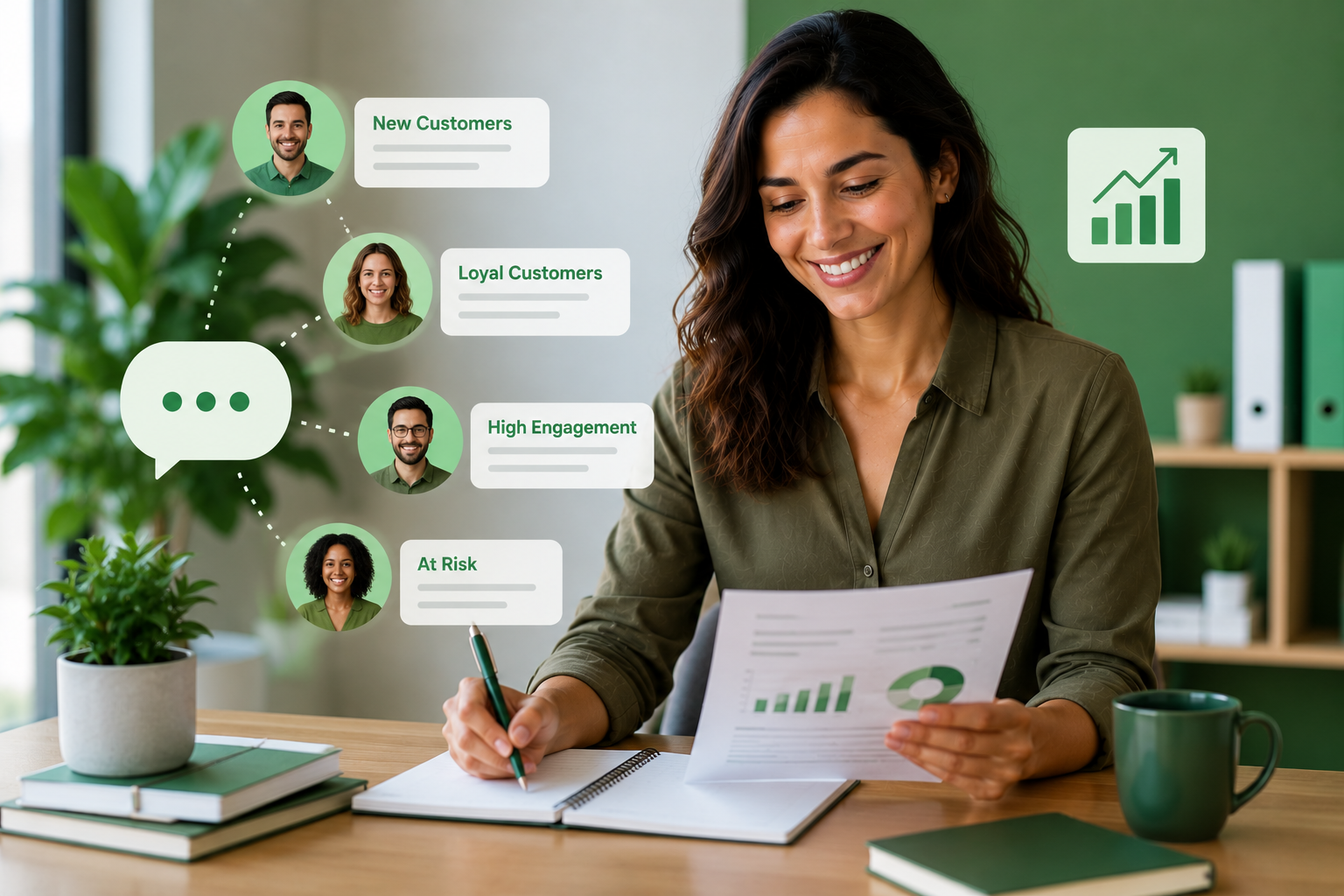
SMS segmentation is the difference between a text that gets ignored and one that gets a tap. It means dividing your subscriber list into smaller groups so each message fits the person receiving it. The reach is already there: Americans exchanged nearly 2.2 trillion text and multimedia messages in 2024, according to CTIA’s annual wireless industry survey. What decides whether those texts convert is relevance. Salesforce Research found that 73% of customers expect better personalization as technology advances, and most say the experience a company provides matters as much as its product. Sending one message to everyone leaves that expectation unmet. This guide breaks down the segmentation types that work in 2026, real industry examples, a simple strategy to build your own, and the compliance rules that keep your segments clean.
What Is SMS Segmentation and Why It Converts
SMS segmentation is the practice of grouping subscribers by shared traits so you can send each group a message built for them. Instead of one broadcast, you send several targeted texts that feel personal. The payoff is higher engagement and fewer opt-outs.
Relevance drives response: A message tied to someone’s interest, location, or stage in your funnel earns more replies than a generic blast.
Fewer opt-outs: People unsubscribe when texts do not apply to them, so tighter targeting protects your list.
Better data: Smaller segments make it clear which messages work, so every send teaches you something.
Efficient spend: You send the right offer to the right group rather than paying to reach people who will never act.
SMS Segmentation Types You Can Use in 2026
You do not need a complex data platform to segment well. These types are practical for any business, and most rely on information you already collect at signup.
Opt-in source or keyword: Group subscribers by how they joined, since someone who texted a promo keyword wants different messages than a support contact. For example, a SUMMER keyword builds a promo-buyer group you can text “20% off ends tonight,” while a SUPPORT keyword builds a help-seeker group you can send “Here is a new FAQ link to fix your issue.”
Interest or group: Sort contacts by the product, service, or topic they picked so offers always match their intent. For example, a pet store split into Dogs, Cats, and Fish can text dog owners “New grain-free treats in stock” and cat owners “Litter sale this weekend.”
Location: Segment by city, region, or store so you can send local events, hours, and offers people can act on. For example, a Chicago group hears “Our River North store is open late Friday,” while a Denver group gets news from its own location.
Lifecycle stage: Separate new subscribers, active customers, and lapsed contacts, because each needs a different message. For example, someone who joined under seven days ago gets “Welcome! Here is 15% off your first order,” while a contact with no purchase in 90 days gets “We miss you. Come back for 20% off.”
Customer versus prospect: Split buyers from leads so your promotions and nurture texts never collide. For example, a prospect gets “Still deciding? Here is how it works,” while a customer gets “Thanks for your order. Here is 10% off your next one.”
Behavior and purchase history: These deeper segments are possible when you sync data from your CRM or store through integrations, rather than building them by hand. For example, customers who bought running shoes can get “New arrivals just landed in your size.”
SMS Segmentation Examples by Industry
Segmentation looks different depending on what you sell and who you serve. The table below shows how it plays out across common SendHub verticals, with a sample message for each.
| Industry | Segment by | Example message |
| Healthcare | Appointment status | “Hi Sarah, your dental cleaning is Tue at 10am. Reply C to confirm.” |
| Real estate | Buyer price range and location | “New $500k homes just listed in Austin. Want a tour?” |
| Recruiting | Role and location | “Hi Jordan, a warehouse shift opened in Dallas. Reply YES to claim it.” |
| Nonprofits | Supporter type | “Hi Alex, our giving day is live. Match your $25 gift 2x before midnight.” |
How to Build Your SMS Segmentation Strategy
A good segmentation strategy is built once and refined over time. Work through these steps in order so each send gets sharper than the last.
Collect the right data at opt-in: Ask for the one or two attributes you will actually segment on, such as location or interest, when someone joins.
Organize with groups and keywords: Use distinct groups and keywords so contacts sort themselves into segments automatically as they subscribe.
Personalize each message: Layer SMS personalization on top of segments so texts carry names and details, not just the right topic.
Measure per segment: Track delivery, clicks, and opt-outs for each group as you plan and measure a campaign.
Refine and prune: Merge segments that behave alike and retire ones that never perform, so your list stays useful.
SMS Segmentation and Compliance: TCPA and 10DLC
Segments are only valuable if every contact in them agreed to hear from you. In the United States, business texting is governed by the Telephone Consumer Protection Act and carrier rules for A2P messaging. The guidance below is factual, not legal advice, and you can review the FCC’s TCPA resources directly.
Capture consent at opt-in: Getting opt-in consent right at signup is what makes every downstream segment compliant.
Honor opt-outs across segments: When someone opts out, remove them from every segment, not just the one that prompted it.
Register for 10DLC: Standard local numbers need A2P 10DLC registration to send segmented campaigns at scale without carrier filtering.
Segment by consent type: Keep marketing and transactional contacts separate so each only receives messages they agreed to.
Build Smarter Segments With SendHub
SendHub gives US businesses the tools to organize, target, and measure every segment from one platform, no data science team required. Here is how the pieces fit together.
- Organize contacts effortlessly with unlimited contact groups sorted by campaign, team, or interest.
- Keep every detail in one place using a central contact database that stores the fields you segment on.
- Let subscribers self-sort through text keywords that route each opt-in into the right group automatically.
- Personalize at scale with merge fields that insert names and details into every segment.
- Send at the right time using scheduled campaigns tailored to each group.
- See what works with analytics and reporting on delivery and engagement per send.
FAQs
Simply put, it is dividing your text subscriber list into smaller groups by shared traits. As a result, each group receives messages built specifically for them.
Primarily, because relevant texts convert better and trigger fewer opt-outs. Additionally, segmentation shows you which messages resonate with which audiences.
First, decide which one or two attributes matter most, such as location or interest. Then use groups and keywords to sort contacts as they subscribe.
Generally, start with opt-in source, location, and lifecycle stage. Because these rely on data you already collect, they are quick to set up.
Not necessarily, though a platform with groups and keywords makes it far easier. Otherwise, managing segments by hand quickly becomes unmanageable.
Essentially, segmentation decides who receives a message, while personalization shapes what it says. Together, they make each text feel individual.
Absolutely, since even a few simple groups improve results. In fact, smaller lists often see the fastest gains from basic segmentation.
Yes, because every contact in a segment must have opted in. Therefore, capture consent at signup and honor opt-outs across all segments.
Typically, start with three or four you will actually use. Later, add more only when a group is large enough to message differently.
Chiefly, compare delivery, click, and opt-out rates across segments. Consequently, you can double down on the groups that engage and fix the ones that do not.
Start Segmenting for Better Results
Smarter SMS segmentation turns a single list into a set of audiences that each get exactly the right message. Pick two or three segments that fit your business, build them from the data you already collect, and measure the lift. Book a demo with SendHub to organize, target, and grow every segment from one platform.