Key takeaways
- Push notifications reach people who installed your app and allowed notifications; SMS can go to any mobile phone number, with no app or data connection needed.
- Push costs close to nothing per send once you have an app; SMS costs a few cents per message plus one-time 10DLC registration fees.
- Use SMS for time-sensitive messages that need the widest reach: one-time passcodes, appointment reminders, delivery changes and urgent alerts.
- Use push for in-app activity, content updates and frequent, low-stakes nudges to engaged app users.
- Most businesses without an app should use SMS; businesses with an app usually send push first with SMS as a fallback, and send critical alerts straight by SMS.
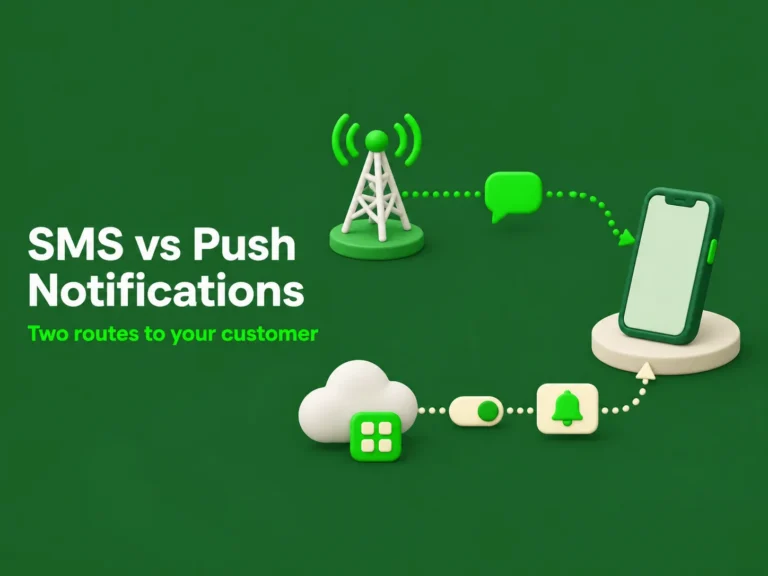
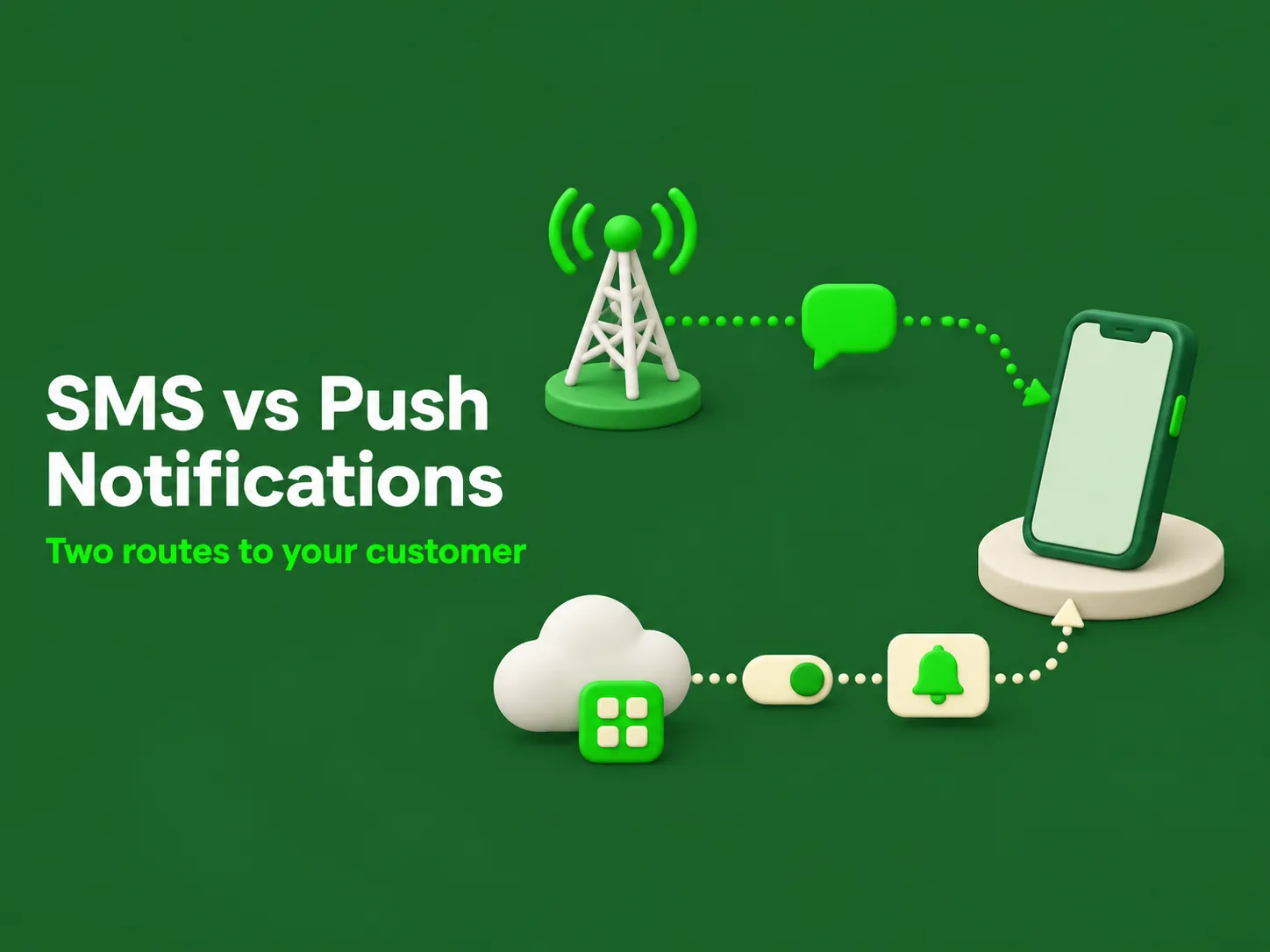
A push notification is a short alert an app or website sends to a device through Apple’s or Google’s notification service, shown on the lock screen or as a banner. An SMS is a text message sent to a phone number over the mobile carrier network and stored in the phone’s messages app. Both get attention fast. In the SMS vs push notifications decision, they differ in who they can reach, what they cost and what can stop them from getting through.
What are push messages?
Push messages, usually called push notifications, are alerts that an app or website “pushes” to a device when the user is not actively using it. Mobile apps send them through Apple Push Notification service (APNs) on iPhone and Firebase Cloud Messaging (FCM) on Android; websites send web push through the browser.
Three things have to be true before a push notification can be delivered:
- They installed your app (or subscribed to web push in their browser).
- They allowed notifications. iPhones ask for permission before an app can show alerts (Apple developer documentation), and Android 13 and later require the POST_NOTIFICATIONS runtime permission (Android Developers).
- Their device is online. Push travels over the internet. If the device is offline, APNs keeps only the most recent notification per app (Apple developer documentation), and FCM holds messages for up to 28 days by default (Firebase documentation).
If any of the three fails, the notification isn’t delivered. Even when it is, whether the person actually sees it depends on more than that:
- Device settings: Focus or Do Not Disturb modes, scheduled notification summaries and lock-screen preferences can hide or delay an alert.
- Operating system behavior: battery saving and background limits can delay delivery, especially on some Android devices.
- App configuration: the user may have switched off that notification category, or the app’s device token may be out of date.
That is the core trade-off against SMS.
SMS vs push notifications: what’s the difference?
Comparing push notifications vs SMS, the biggest difference is reach. SMS goes to a phone number, so it can reach any mobile phone, smartphone or not, with no app, account or data connection. Push only reaches people who installed your app and granted permission. Push wins on cost and rich formatting; SMS wins on reach. Neither guarantees delivery: texts can still be held up by carrier filtering, weak network coverage or invalid numbers.
That is why most businesses send their SMS notifications for time-sensitive messages customers need to act on, and keep push for app activity.
| Attribute | SMS | Push notification |
|---|---|---|
| Who it reaches | Any mobile number you have consent to text | Users who installed your app (or subscribed to web push) and allowed notifications |
| Needs an app | No | Yes, or a browser subscription for web push |
| Needs mobile data or Wi-Fi | No, needs only cell signal | Yes |
| Where it lives after arrival | Stays in the messages app until deleted | Notification center; easy to swipe away or clear |
| Two-way replies | Yes, free-text replies | Action buttons or an inline reply field your app must build; no shared conversation thread |
| Length | 160 characters per segment, or 70 if the text contains an emoji or any non-GSM character | A title and a few lines; long text is truncated on the lock screen |
| Cost per message | A few cents, plus carrier registration fees | Close to zero through APNs and FCM; the cost is building and running the app |
| Consent and rules | TCPA consent for marketing texts, 10DLC registration, STOP opt-outs | OS permission prompt; users can turn it off in settings at any time |
| Best for | Time-sensitive messages to anyone with a mobile number | Frequent, low-stakes updates to engaged app users |
To understand the different text formats themselves (SMS, MMS, RCS and iMessage), see our guide to types of text messages.
Which costs more, SMS or push notifications?
Per message, push is far cheaper. Apple and Google don’t charge to deliver push notifications, so the marginal cost of a send is close to zero. SMS costs a few cents per message. The catch is that push needs an app people actually install and keep, which costs far more to build and maintain than a texting plan.
Worked example: 1,000 customers, 4 messages a month
| Cost line | SMS (SendHub Basic) | Push (your own app) |
|---|---|---|
| Messages per month | 4,000 | 4,000 |
| Monthly sending cost | $100 for 4,000 SMS (about 2.5 cents each) | Close to $0 through APNs and FCM |
| One-time setup | $5 brand + $15 campaign 10DLC registration | App development, store accounts and a push service |
| Who actually receives it | Anyone on the list with a valid mobile number and consent, subject to carrier filtering and network coverage | Only customers who installed the app and allowed notifications |
If only a small share of your 1,000 customers has your app with notifications on, the cheaper channel reaches far fewer people. Cost per message only matters after you know cost per person reached.
When should you use SMS instead of push?
Use SMS when the message has to reach the person even if they don’t have your app, have notifications off, or have no data connection. That covers security codes, appointment reminders, delivery and service changes, payment and account alerts, and anything time-critical. It also covers businesses that simply don’t have an app.
SMS is the stronger choice for:
- One-time passcodes and verification. A login code can’t depend on the person already having your app.
- Appointment and booking reminders. No-shows cost money, and reminders should go to everyone booked, whether or not they have your app. See our appointment reminder text templates.
- Urgent alerts. Closures, outages, weather delays and safety notices. Our guide to business text alerts covers setup.
- Two-way conversations. Customers can reply in their own words, and your team answers from a shared texting inbox.
- Customers who will never install your app. This includes many local businesses, B2B services and one-time buyers.
For a deeper look at transactional texts, see what SMS notifications are and how businesses use them.
When are push notifications the better choice?
Push is the better choice when you have an app your customers already use regularly and the message is about activity inside that app. It’s cheap enough to send often, supports images and deep links into specific screens, and fits updates that are useful but not critical if missed.
Push works well for:
- In-app activity: a new message, a comment, a friend request, a status change.
- Content and feature updates for active users.
- Personalized nudges based on what someone did in the app, such as an abandoned cart or an unfinished setup.
- High-frequency updates where SMS cost per message would add up, such as live scores or order tracking steps.
The limit is the audience. Push can’t reach anyone who deleted the app, never installed it or switched notifications off, and you only learn about it after sends start failing or engagement drops.
Should you use SMS and push together?
If you have an app, often yes, but the order depends on urgency. For routine messages, the common pattern is push first, SMS as the fallback: send the push, and if the action you need hasn’t happened within a set time, send a text. That keeps cost low while still reaching people who never see the push.
For security alerts, fraud warnings, verification codes and other critical notifications, waiting for push engagement wastes time the customer may not have. Send the SMS immediately, on its own or alongside the push, and accept the extra cost.
A push-first, SMS-fallback flow
| Step | What happens | Example |
|---|---|---|
| 1. Trigger | An event creates a message | Appointment tomorrow at 10 a.m. |
| 2. Push | Send to users with the app and notifications on | “Reminder: your 10 a.m. appointment is tomorrow. Tap to confirm.” |
| 3. Wait | Give the push time to work | 4 hours for a reminder; no wait for security or fraud alerts |
| 4. Fallback SMS | No confirmation, no app or push off: send a text | “Acme: Reminder, appointment tomorrow 10am. Reply C to confirm, R to reschedule.” |
| 5. Log | Record which channel got the response | Use it to tune wait times and channel choice |
Your app’s backend controls this logic, and a texting API handles step 4: SendHub’s SMS API can send, schedule and track texts and receive replies, so your system can trigger the fallback automatically. To keep channels consistent across your team, see our guide to omnichannel messaging.
Which channel fits which message?
Match the channel to how much it matters if the message is missed. If a missed message costs you money, safety or trust, send SMS or use SMS as the fallback. If a missed message is a minor inconvenience, push is enough for app users.
| Message | Best channel | Why |
|---|---|---|
| Login or verification code | SMS | Sent immediately; works for users who may not have the app open or installed |
| Appointment reminder | SMS, or push with SMS fallback | Missed reminders become no-shows |
| Delivery or service time change | SMS, or push with SMS fallback | Customer needs to act today |
| Emergency or closure alert | SMS | Works without data or the app |
| Payment due or failed | SMS, or push with SMS fallback | Money and account access are at stake |
| New in-app message or comment | Push | Only relevant to active app users |
| Weekly content or feature update | Push or email | Low urgency; SMS cost isn’t justified |
| Promotion or offer | Push for app users; SMS only with marketing consent | Marketing texts need prior express written consent (see SMS opt-in rules) |
Where SendHub fits
SendHub is a business texting platform with published plans for the US and Canada and global SMS coverage through its sales team. It handles the SMS side of this decision; it does not send push notifications. If your business has no app, SMS is your direct line to customers. If you do have an app, SendHub covers the time-sensitive texts and the SMS fallback.
What it gives you:
- Local, toll-free or existing business numbers, with 10DLC registration support.
- Scheduled texts, templates and merge fields for reminders and alerts.
- Two-way replies in a shared inbox, so customers can answer in their own words.
- A REST API for triggering texts from your own systems, including push fallbacks.
- Monthly plans by SMS volume, from $19 a month for 500 SMS. Compare plans on the pricing page.
Frequently asked questions about SMS vs push notifications
What is the difference between a push notification and a text message?
A text message (SMS) goes to a phone number over the mobile carrier network and stays in the messages app. A push notification comes from an app or website through Apple’s or Google’s notification service and appears on the lock screen or as a banner. SMS needs no app or data connection; push needs an app or browser subscription, a data connection and the user’s permission.
Are push notifications free?
Sending them is close to free. Apple and Google don’t charge to deliver push notifications through APNs and FCM, though many businesses pay for a push platform to manage targeting and analytics. The real cost is the app itself: building it, keeping it in the app stores and persuading customers to install it and allow notifications.
Do push notifications need internet?
Yes. Push notifications travel over mobile data or Wi-Fi. If the device is offline, Apple keeps only the most recent notification per app, and Firebase holds messages for up to 28 days by default, then delivers them when the device reconnects. SMS uses the carrier network, so it can arrive with only cell signal and no data connection.
Is SMS more reliable than push notifications?
For reaching a specific person, SMS usually has the wider reach, but neither channel guarantees delivery. SMS doesn’t depend on an installed app, notification settings or a data connection, though carrier filtering, network coverage and invalid numbers can still stop a text. Push can silently fail to reach users who deleted the app or turned notifications off. That is why login codes, reminders and urgent alerts usually go by SMS or use SMS as a fallback.
Do I need consent to send SMS and push notifications?
Yes, in different ways. Push requires the user to allow notifications in the operating system’s permission prompt. Marketing texts in the US need prior express written consent under the TCPA, and business texts from local numbers need 10DLC registration. Both channels must let people opt out: STOP replies for SMS, and device settings for push.
Can a business without an app use push notifications?
Only web push, which works for people who visit your website and agree to browser notifications. On iPhone, web push only works for web apps added to the Home Screen, a capability Apple added in iOS 16.4 (WebKit, 2023). For most businesses without an app, SMS is the practical way to reach customers on their phones, because it only needs a mobile number and consent.
Should I send the same message by push and SMS?
Usually not at the same time, because sending both at once doubles the interruption and the cost. For routine messages, send push first, then SMS only if the person hasn’t responded within a set window or doesn’t have push enabled. For critical security or fraud alerts, send the SMS right away. Keep the SMS short and include a reply option so the person can act from the text.
What about RCS?
RCS is a newer messaging standard that adds images, buttons and read receipts to texts in the phone’s messages app, without a separate app. It sits between SMS and push: richer than SMS, but not yet supported on every phone and carrier. See our RCS vs SMS guide for how it compares.