Key takeaways
- Sent as SMS means your message went as a regular carrier text instead of iMessage or RCS. It does not confirm delivery and does not prove you are blocked.
- On iPhone, iMessage is blue and both RCS and SMS are green. In Google Messages, RCS is dark blue and SMS is light blue.
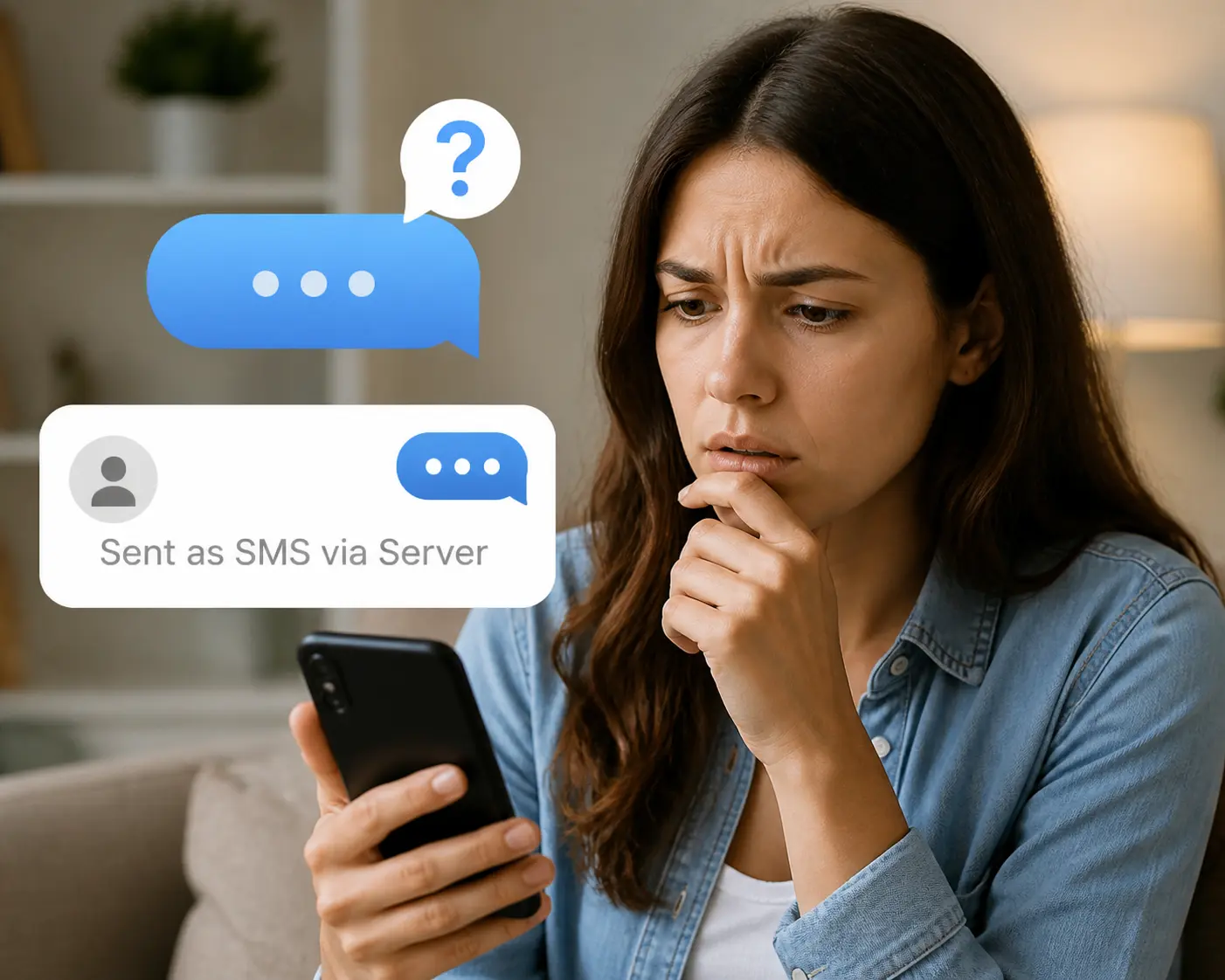
- Sent as SMS via server means an RCS chat in Google Messages could not reach the other phone, so the message was resent as SMS through the carrier.
- It usually happens because the other person has no iMessage or RCS, has it turned off, or one phone has no data connection.
Sent as SMS means your phone could not send that message by iMessage or RCS, so it went as a standard text over your carrier’s cellular network instead. That tells you which route the message took, not whether it reached the other phone, and on its own it does not mean you are blocked.
What Sent as SMS Means on iPhone (Sent as Text Message)
On an iPhone, Sent as Text Message under a green bubble means the message went as SMS or MMS through your carrier instead of iMessage. iMessage messages are blue. Since iOS 18, green can also mean RCS, so the bubble color alone no longer tells you the message was a plain SMS.
SMS is one of the main types of mobile messages, alongside MMS, RCS and iMessage. Per Apple’s guide to iMessage, RCS and SMS/MMS:
- Green bubble: RCS or SMS/MMS. RCS needs iOS 18 or later and a carrier plan that supports RCS on iPhone.
- Apple lists delivery and read receipts for iMessage and RCS, not for SMS, so a plain text usually shows no Delivered or Read status.
- iPhone to Android: with RCS on both phones, the text can go as RCS. If either side has no RCS, it goes as SMS.
What Sent as SMS via Server Means on Android
In Google Messages on Android, Sent as SMS via server means your phone first tried to send the message as an RCS chat, the RCS service could not reach the other phone, and the message was resent as a regular SMS through your carrier instead. Server refers to the messaging network, not a server you set up or run.
Google does not define that exact phrase, but its help pages describe the behavior. Google Messages Help on RCS chats says everyone in a conversation needs RCS chats on, or messages go as SMS or MMS through your carrier; the “Automatically resend as text (SMS/MMS)” setting controls that switch. Some phones word it as sent via SMS; it means the same thing.
You can check the route yourself:
- The compose bar shows “RCS message” or “Text message”. “Text message” means SMS or MMS through your carrier.
- RCS bubbles are dark blue and SMS or MMS bubbles are light blue, per Google Messages bubble colors.
- Sent, delivered and read check icons do not show on SMS or MMS.
For the feature gap, see where RCS and SMS differ. Samsung Messages no longer sends messages, except to emergency numbers, on Galaxy phones running Android 12 and later after July 6, 2026, so most Galaxy owners now see these labels in Google Messages.
Does Sent as SMS Mean You Are Blocked?
No, not on its own. Sent as SMS only tells you the message went as a carrier text instead of iMessage or RCS. It cannot tell you whether the other person blocked you, because neither Apple nor Google documents a label that tells you that you are blocked, and Apple says the blocked person is not notified.
Per Apple’s blocking article, messages from a blocked contact are not delivered. In Google Messages, blocking and reporting a number moves that conversation to “Spam & blocked”. Neither help page describes a signal on the sender’s side you can read as proof.
Signs that help:
- A Delivered or Read status on a later iMessage or RCS message means it reached their phone.
- A reply means you are not blocked.
- A bubble that stays green for days with an iPhone user is a weak sign at most. It also happens when they switch phones or turn iMessage off.
Sent as SMS vs Delivered: What Each Label Tells You
Delivered means the other phone confirmed it received the message, which iMessage and RCS can report. Sent as SMS means the message left as a carrier text, and SMS usually sends no confirmation back to the sender’s phone, so you usually see no Delivered status.
Not Delivered with a red exclamation point is different: the message did not send at all.
What each message label means on iPhone and Google Messages
| You see | Where | What it means | Did it reach their phone? | Does it mean blocked? |
|---|---|---|---|---|
| Blue bubble, Delivered or Read | iPhone to iPhone | Sent by iMessage | Delivered confirms it reached their device | No |
| Green bubble, Delivered or Read | iPhone, iOS 18 and later | Sent by RCS, which supports delivery and read receipts | Delivered confirms it | No |
| Green bubble, Sent as Text Message | iPhone | iMessage or RCS not available, sent as SMS or MMS by your carrier | Not confirmed by the label | Not on its own |
| Red exclamation point, “Not Delivered” | iPhone | The message did not send. Tap it to “Try Again” or “Send as Text Message” | No | Not on its own |
| Dark blue bubble, double check | Google Messages | RCS chat, delivered. A filled double check means read | Yes, delivered | No |
| Light blue bubble, “Text message” in the compose bar | Google Messages | Sent as SMS or MMS through your carrier. No check icons on SMS | Not confirmed by the label | Not on its own |
| Sent as SMS via server | Google Messages | RCS could not reach the other phone, so it was resent as SMS through the carrier | Not confirmed by the label | Not on its own |
A reply is the only sure sign a text reached someone. Carriers can filter or delay any text, so no label promises the other person received or read it.
Sources: Apple 104972, Apple 105087, Apple 118433, Google 9487020, Google 9592174, Google 10253274.
4 Reasons Your Phone Sent as SMS Instead of iMessage or RCS
Your messages are sending as SMS because iMessage or RCS was not available for that conversation. Apple lists four reasons, and the same four apply to RCS on Android: the other phone does not support it, it is turned off, it cannot connect, or setup is incomplete.
On iPhone
Apple lists four reasons a message goes green:
- The person you are texting does not have an Apple device.
- iMessage is turned off on your device or theirs.
- iMessage is temporarily unavailable on your device or theirs, for example when either phone has no Wi-Fi or mobile data.
- Your settings need updating, for example after you set up a new device.
On Android with Google Messages
- The other person does not have RCS chats turned on. Everyone in the conversation needs it.
- RCS chats are turned off on your phone.
- RCS cannot connect. Settings > RCS chats shows a status such as “Connecting” or “Trouble connecting”. RCS runs over Wi-Fi or mobile data.
- Google Messages is not your default SMS app, or the app needs updating.
How to Stop Messages Sending as SMS
To stop messages sending as SMS, turn iMessage back on in Settings > Apps > Messages on iPhone, or turn on RCS chats in Google Messages settings on Android, and make sure you have a data connection. If the other person has no iMessage or RCS, SMS is the only option.
On iPhone
- Go to Settings > Apps > Messages and turn on iMessage.
- Tap Send & Receive and check that your phone number is selected.
- If you text Android users, turn on RCS Messaging on the same screen. No toggle means your carrier may not offer it.
- Check that Wi-Fi or mobile data is on.
- Automatic fallback is the “Reply as Text Message” toggle in Settings > Apps > Messages. Turn it off only if you would rather a message fail than go as SMS.
- For one “Not Delivered” message, tap the red exclamation point, then “Try Again” or “Send as Text Message”. Apple notes messaging rates may apply.
On Android
- In Google Messages, tap your profile picture, then Messages settings > RCS chats, and turn RCS chats on.
- Check that the RCS connection status reads “Connected”.
- On the same screen, “Automatically resend as text (SMS/MMS)” controls the via server fallback. Turning it off stops the automatic resend, so you choose how to resend a failed RCS message.
- Make Google Messages your default SMS app and update it.
Should you turn the fallback off?
Off means fewer SMS charges and no unencrypted sends, but texts to people without iMessage or RCS will fail. Most people should leave it on.
What Sent as SMS Costs You
A message sent as SMS uses your carrier texting plan instead of data, so it can cost money on plans without unlimited texting, and it loses features: SMS is not end-to-end encrypted and does not show typing indicators or read receipts.
| iMessage | RCS | SMS | |
|---|---|---|---|
| Bubble on iPhone | Blue | Green | Green |
| Needs | Wi-Fi or mobile data, Apple devices on both ends | Wi-Fi or mobile data, RCS on both ends and carrier support | Cellular network connection |
| Delivery and read receipts | Yes | Yes | No |
| End-to-end encrypted | Yes | Beta from iOS 26.5, only when every participant’s carrier supports it | No |
Photos and videos sent as MMS are usually compressed; see SMS and MMS compared.
What Sent as SMS Means for Business Texting
When a business texts you an appointment reminder, delivery update or login code, it usually sends a regular SMS on purpose, because SMS works on almost every mobile phone without an app or data connection. Those texts are SMS from the start, so no fallback happens.
Businesses send from software, through an SMS gateway that hands texts to carriers, with delivery and failure reporting, though carriers can still filter messages. US carriers require business senders on 10-digit numbers to register their brand and campaign; unregistered traffic can be filtered or blocked. If a text asks you to tap a link or share a code, check the signs a text message is fake first.
This is general information, not legal advice.

Frequently Asked Questions
No, not on its own. Neither Apple nor Google documents a label that shows a block, and Apple says a blocked contact is not notified, so the label cannot prove a block either way. A reply, or a Delivered status on a later iMessage or RCS message, is the clearest sign you are not blocked.
Not necessarily. It means the message left your phone as a standard text through your carrier, and SMS usually sends no confirmation back, so you usually see no Delivered status. Carriers can filter or delay texts, so only a reply confirms the other person received it.
It can, but the label cannot tell you. Sent as SMS appears when iMessage or RCS could not reach the other phone at that moment, which happens when it is off, has no Wi-Fi or mobile data, or has iMessage or RCS turned off. A reply is the only way to know a text reached them.
It means the text went as a regular SMS because RCS was not available for that conversation. Since iOS 18, iPhones can send RCS to Android phones when both sides have RCS turned on and the carrier supports it. If either phone does not have RCS, the message goes as SMS and shows a green bubble on your iPhone.
It means the same as on any Android phone: an RCS chat could not reach the other person, so the message was resent as a regular SMS through the carrier. On current Galaxy phones you control this in Google Messages, under Messages settings, RCS chats, with the Automatically resend as text (SMS/MMS) setting.
Send as SMS is the common name for the iPhone setting that sends a text as SMS when iMessage is not available. In the current Apple support article, that toggle is called Reply as Text Message, under Settings, Apps, Messages. Turn it off only if you would rather a message fail than go as SMS.
No. It means the fallback worked as designed: your RCS chat could not connect, so Google Messages sent a regular text instead of leaving the message stuck. It does not confirm the text was delivered. You lose read receipts and typing indicators for that message, and it uses your texting plan. If you see it in every chat, check that RCS chats show Connected.