
Bulk MMS messaging is the practice of sending multimedia messages containing images, GIFs, or short videos to large contact lists simultaneously, delivering the same visual impact as a one-to-one MMS at the scale of a mass text campaign. According to Notifyre MMS Messaging Statistics, MMS messages generate 300% more engagement than standard SMS, and brands using MMS marketing experience 52% higher click-through rates than SMS-only campaigns. The EZ Texting 2024 Consumer SMS Behavior Report reinforces this: 61% of consumers say they are more likely to click or purchase when a text promotion includes an image. SendHub now supports both bulk MMS messaging through the dashboard and MMS API access for technical teams, giving small businesses and mid-size operations a complete multimedia messaging solution from a single platform. This guide covers what bulk MMS messaging is, how to use it, the API capabilities, and which use cases produce the strongest results.
What Is Bulk MMS Messaging?
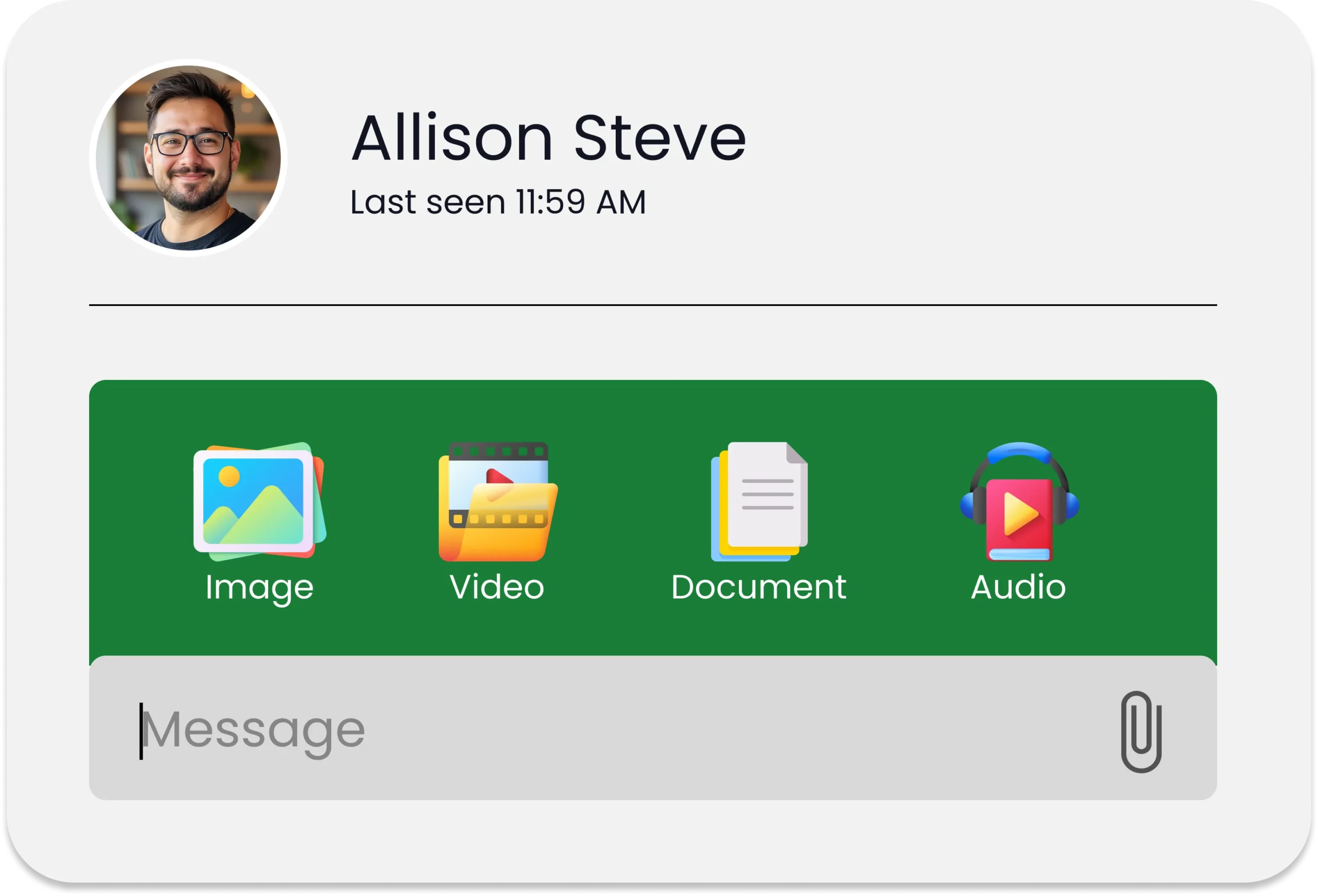
Bulk MMS messaging is the process of sending a single multimedia message to hundreds or thousands of contacts simultaneously, where each recipient receives the message individually with no visibility into other recipients. Unlike a group chat, bulk MMS delivers a personalised, private multimedia experience at scale. Unlike plain SMS, it supports images, GIFs, short video clips, and audio files alongside up to 1,600 characters of text, removing the 160-character constraint that limits standard bulk SMS campaigns.
The key operational distinction from single MMS sends is throughput. A mass texting campaign using MMS routes thousands of multimedia messages through carrier networks simultaneously, requiring a platform that handles encoding, delivery throttling, and carrier compliance at volume rather than message by message.
How to Send Bulk MMS on SendHub
SendHub’s bulk MMS capability is built directly into the same browser-based dashboard used for all other campaign types, requiring no separate tool, no additional account, and no technical setup beyond uploading the media file. The process follows four steps:
Step 1: Compose your message Open the campaign composer in your SendHub dashboard and type your message body. MMS supports up to 1,600 characters of text, so copy that would not fit in a standard SMS segment can now be included in full without multi-part splitting.
Step 2: Attach your media file Click the attachment option and upload your image, GIF, or short video clip through the MMS attachments feature. Supported file types include JPG, PNG, GIF, animated GIF, and MP4. File size should stay under 1MB for optimal carrier delivery across all networks.
Step 3: Select your contact list or segment Choose the contact list, group, or tagged segment you want to reach. Merge fields for first name and custom data points work identically in MMS as in SMS, so every recipient receives a personalised message despite the bulk send.
Step 4: Send immediately or schedule Send the campaign immediately or use scheduled text messaging to deploy it at the optimal time for your audience. Scheduled bulk MMS campaigns run automatically without manual intervention on send day.

SendHub MMS API: What It Enables for Technical Teams
For businesses that need to integrate MMS messaging directly into their own applications, CRMs, or automated workflows, SendHub’s SMS API now supports MMS endpoints alongside existing SMS functionality. This means developers can trigger multimedia message sends programmatically based on customer actions, data events, or scheduled processes without accessing the dashboard.
The MMS API enables three capabilities that the dashboard alone cannot deliver:
- Triggered MMS sends: A customer completes a purchase and your platform automatically sends an MMS receipt with a branded image or product visual without any manual send required.
- Dynamic media attachment: Each message in a bulk send can carry a different image or media file assigned per recipient from your contact database, enabling truly individualised multimedia outreach at scale.
- Integration with existing workflows: CRM events, e-commerce triggers, and scheduling software can all fire MMS sends through the API, keeping multimedia messaging inside the same automation infrastructure already managing SMS and email.
Full API documentation and endpoint references are available through the SendHub API documentation for development teams evaluating integration requirements.
Bulk MMS Use Cases by Industry
Bulk MMS messaging produces the strongest results in industries where a visual element makes the message more compelling than words alone. The industries where bulk MMS consistently outperforms plain SMS are:
- Retail and promotional campaigns: A flash sale announcement with a product image attached consistently outperforms the same offer sent as plain text. The SimpleTexting A/B test confirmed a 52% higher CTR for the image version versus the text-only version of the same campaign.
- Restaurant marketing and menu promotions: Operators using restaurant SMS and MMS marketing send food photography alongside promotional offers, with the visual directly triggering appetite and driving same-day table reservations and orders.
- Real estate listing alerts with property images: Agents using real estate text messaging with multimedia attach property photos to new listing alerts, giving buyers an immediate visual preview that drives more showing requests than text-only alerts.
- Auto dealer inventory and offer campaigns: Auto dealer text messaging benefits from attaching vehicle images to financing offers and inventory alerts, because the visual confirmation of the vehicle is a primary decision trigger for serious buyers.
- School and nonprofit event communications: School text messaging and nonprofit SMS outreach use MMS to attach event flyers, campaign graphics, and volunteer call-to-action visuals that communicate more information in a single message than 160 characters of text could carry.
Bulk MMS Compliance: TCPA and 10DLC Requirements
Bulk MMS messaging is subject to the same TCPA and 10DLC requirements as bulk SMS. Prior express written consent is required before sending any marketing MMS to a mobile number, and A2P 10DLC registration must be completed before sending on a 10-digit long code number. SendHub’s 10DLC texting registration support covers both SMS and MMS campaign types from the same registered number, so teams adding MMS to existing SMS campaigns do not need a separate number or a new registration process.
Every bulk MMS campaign should include your business name, a clear call to action, and a STOP opt-out instruction in the message text. STOP requests must be processed immediately and permanently, and suppressed contacts must be excluded from all future SMS and MMS sends. Full current guidance is available from the FCC’s official TCPA resource page.

How SendHub Powers Your Bulk MMS Strategy
SendHub is the only platform your team needs to run both SMS and MMS marketing campaigns from a single dashboard with full API access for technical integrations:
Dashboard bulk MMS through the MMS attachments feature lets any team member attach images, GIFs, or video to a campaign send without technical knowledge or additional tooling.
MMS API access through the SendHub API gives development teams programmatic MMS sending capability for triggered, dynamic, and automated multimedia message workflows.
Personalisation at scale through merge fields inserts recipient names and custom data into every bulk MMS send, maintaining the individual feel of a one-to-one message at mass campaign volume.
Scheduled multimedia campaigns through automated scheduled text messaging deploy bulk MMS at peak engagement windows without manual sends on campaign day.
Compliance from day one through 10DLC-registered business texting registration support ensures every bulk MMS your team sends travels on a carrier-registered, TCPA-compliant number.
Frequently Asked Questions
Bulk MMS messaging is sending multimedia messages containing images, GIFs, or video to large contact lists simultaneously, where each recipient receives the message individually. Consequently, it delivers visual campaign content at the same scale as a mass SMS send.
Bulk SMS sends plain text up to 160 characters per segment. Bulk MMS supports images, GIFs, and video alongside up to 1,600 characters of text. Furthermore, MMS generates 300% more engagement than plain SMS according to Notifyre MMS Messaging Statistics.
SendHub supports JPG, PNG, GIF, animated GIF, and MP4 file types for MMS attachments. Additionally, keeping file size under 1MB ensures optimal delivery across all carrier networks without media compression issues.
Yes. MMS requires additional data encoding and carrier processing compared to SMS. Consequently, most business SMS platforms including SendHub charge a higher per-message rate for MMS than for standard SMS sends.
An MMS messaging API allows developers to trigger multimedia message sends programmatically from their own applications. Furthermore, SendHub’s API supports MMS endpoints alongside SMS, enabling triggered, dynamic, and automated MMS workflows without dashboard access.
Yes. TCPA requires prior express written consent before any marketing MMS reaches a mobile number. Therefore, every contact receiving bulk MMS must have actively opted in and your number must be A2P 10DLC registered before sending.